Ticket Boards Overview
Kanban boards for work that outlives a conversation — bugs, requests and follow-ups your team tracks to completion.
Tickets is a board-based workspace for work your team tracks over time: bug reports, feature requests, escalations, anything that needs owning past the end of a chat.
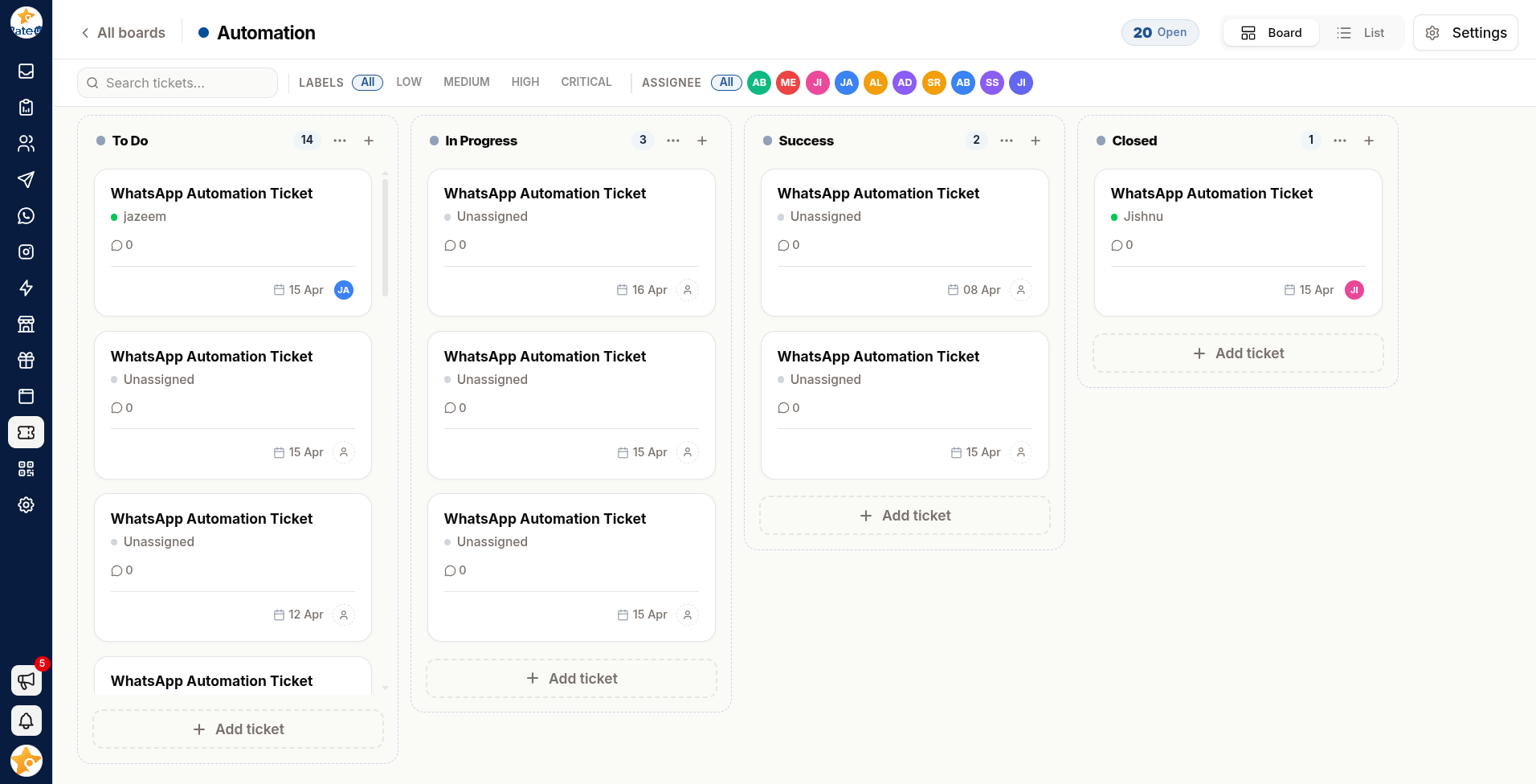
Tickets vs Inbox Tickets
The two are different things with an unfortunate name overlap:
| Inbox tickets | Ticket boards | |
|---|---|---|
| What it is | One customer conversation | A unit of internal work |
| Created by | A customer messaging you | A person, deliberately |
| Lives in | The Inbox | A board column |
| Ends when | The conversation is closed | The work is done |
A customer reports a bug in the Inbox; you create a board ticket to get it fixed. The two link together — see Open Chat In Inbox on any ticket that came from a conversation.
What's Here
Boards
Create boards and columns for each kind of work your team tracks.
Working with Tickets
Assignees, labels, due dates, checklists, comments and attachments.
When to Use a Board
| Situation | Board? |
|---|---|
| A customer question you can answer now | No — handle it in the Inbox |
| A bug that needs a developer | Yes |
| A refund awaiting approval | Yes |
| A follow-up in three weeks | Yes |
| A conversation waiting on the customer | No — leave it in the Inbox |
If the work will outlive the conversation, or needs someone outside the support team, it belongs on a board.