Getting started
Login
Sign in to RateUp with Google, Apple or email, and what to do when you cannot.
Signing In
Go to rateup.app and click Login in the top-right corner.
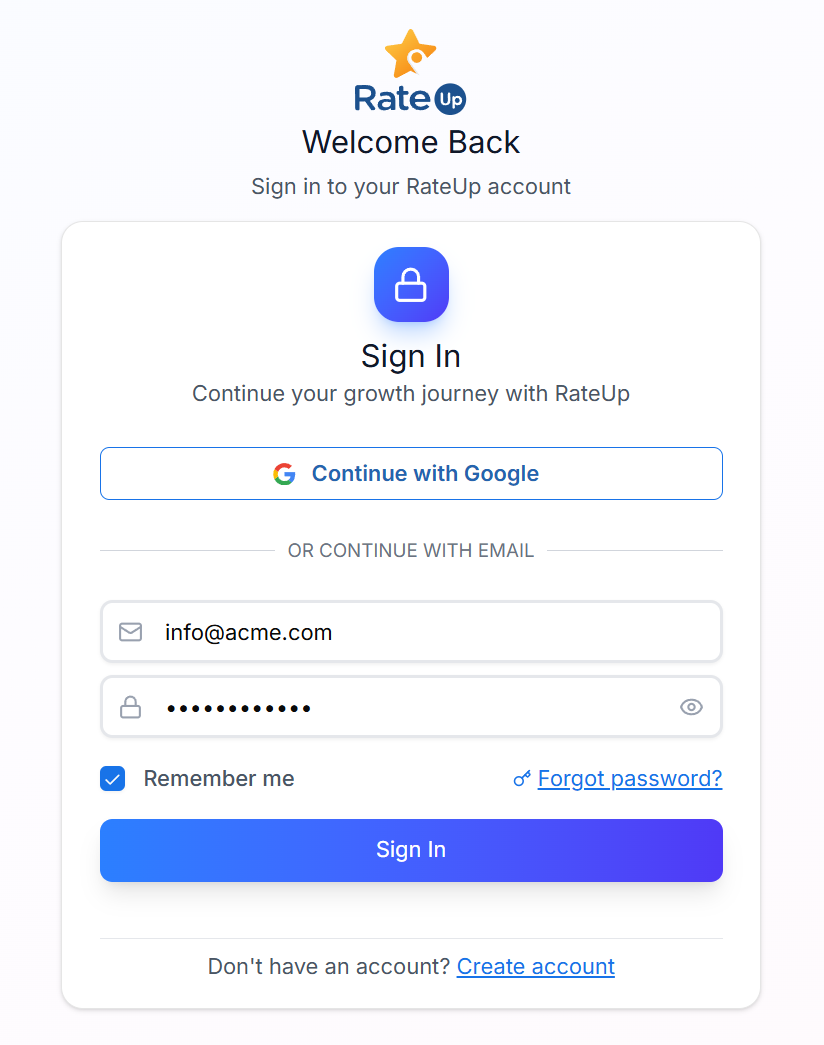
On "Welcome back", click Google or Apple — or, under "or with email", enter your Email and Password.
Click Sign in. (The Keep me signed in box does not change anything in the current build.) Forgot password? starts a password reset.
You land on your dashboard.
Before Your First Login
| Requirement | Why |
|---|---|
| Email verified | Verification is required before you can sign in the first time |
| Google account already registered | Google sign-in works only for an email that has been registered |
| An invite accepted | If a colleague added you, use the invite link before trying to log in |
What You See After Signing In
Your dashboard reflects two things:
- The business details you gave during registration
- The role an admin has given you, and any abilities they have added or removed for you
If a section is missing from your sidebar, your role does not include it — the sidebar is built from your role's abilities. Ask an Owner or Admin to check your role under Members & Roles. It is not a fault.
Troubleshooting
| Symptom | Cause | Fix |
|---|---|---|
| "Invalid email or password" | Wrong credentials | Use Reset Password |
| Google sign-in bounces you back | That email has never been registered | Register with email first, or ask an admin to invite you |
| Login works but the dashboard is empty | No channel connected, or no permissions | See Accessing the Inbox |
| You never received the verification email | Filtered as spam | Check spam and promotions folders, then retry |
Related Pages
- Create an Account
- Reset Password
- Security — changing your password once signed in