Security
Change your password, and permanently delete your account or your organisation.
Security Settings holds your password and the two irreversible actions in RateUp.
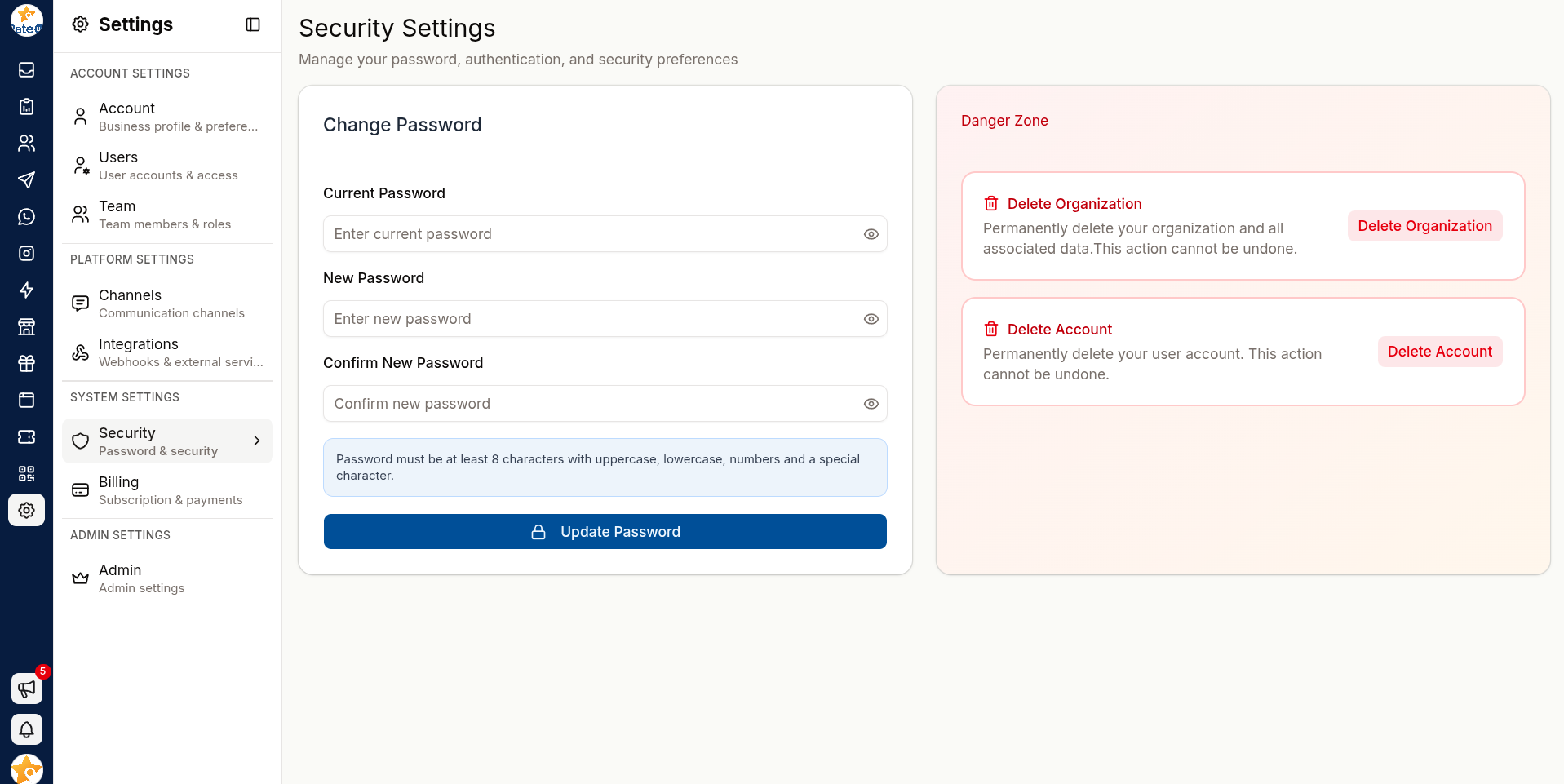
Change Your Password
Under Password, click Change password to open the form.
Enter your Current Password.
Enter your New Password. It must be at least 8 characters and include 1 uppercase letter, 1 lowercase letter, 1 number and 1 special character — the same rules as registration.
Enter it again in Confirm New Password — the two must match, or you see "Passwords do not match".
Click Update Password. You will see "Password Changed Successfully".
If you cannot remember your current password, sign out and use Reset Password instead.
Danger Zone
Two actions live here. Both are permanent.
Delete Account
Permanently deletes your own user account — it removes your login, and your team keeps working.
To confirm, enter your current password in the Delete Account? dialog. If you sign in with
Google and have no RateUp password, type DELETE ACCOUNT instead.
- Your access ends immediately
- You are removed from every team
- Tickets you handled remain, with your name on them
This action cannot be undone. If you are leaving the organisation, ask an admin to remove you instead — that way your open work gets reassigned first.
Delete Organization
Only shown to people whose role can delete the organisation. To confirm, type
DELETE ORGANIZATION in the dialog.
Permanently deletes the entire organisation and everything in it:
- All chats and contacts
- All team members and their access
- All integrations
- All billing information
This is permanent and irreversible. Every person in the organisation loses access, and no export is produced automatically. Export anything you need to keep before starting.
Before Deleting an Organisation
Export conversation history from the Inbox toolbar.
Export contacts from Contacts.
Export survey and campaign results you need to retain.
Cancel or check your billing status.
Tell your team — they lose access the moment it completes.
Good Password Practice
- Use a unique password for RateUp, not one shared with other services
- Longer beats complicated — a passphrase is easier to remember and harder to break
- Change it immediately if you suspect it has been shared
- Never share a login; add the person as a user instead