Quick Actions
The Quick Actions section in the Cashier Portal allows staff to perform common loyalty operations instantly after locating a customer. These actions help manage loyalty points, rewards, and coupons during a transaction.
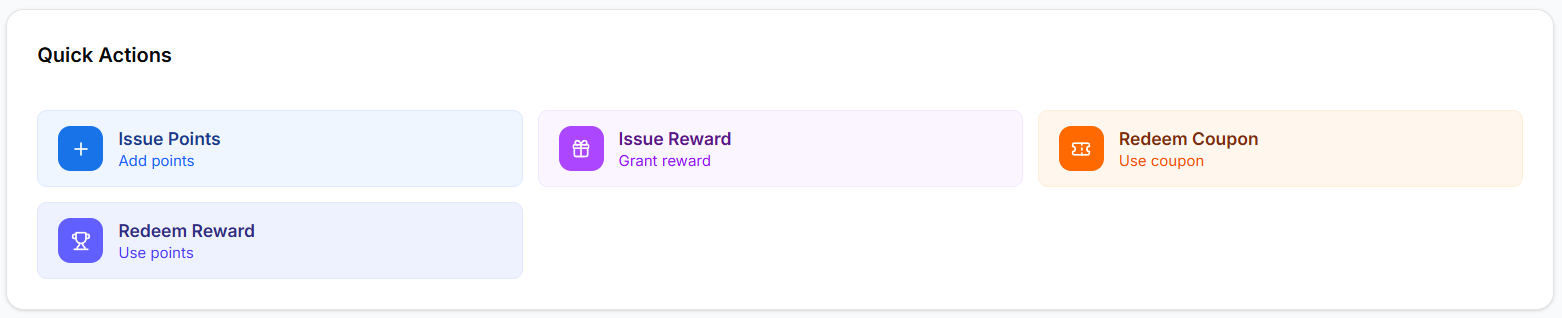
The Quick Actions panel provides the following operations:
- Issue Points
- Issue Reward
- Redeem Coupon
- Redeem Reward
These tools allow staff to quickly manage customer loyalty activities during checkout.
Issue Points
The Issue Points feature allows staff to add loyalty points to a customer’s account based on a purchase or activity.
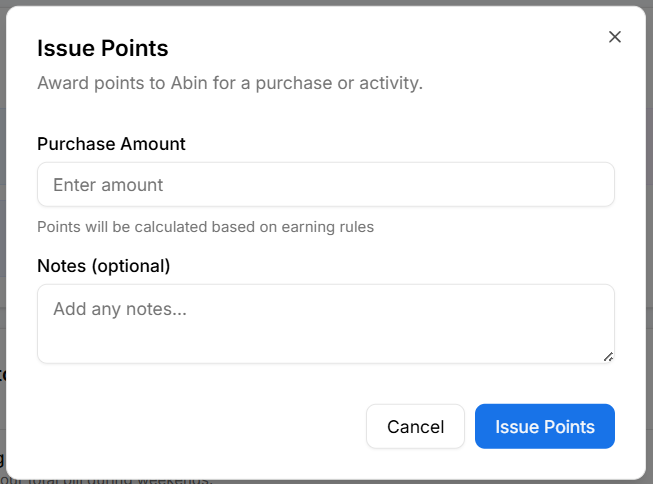
To issue points:
- Click Issue Points from the Quick Actions section.
- Enter the Purchase Amount in the input field.
- Points will be calculated automatically based on configured earning rules.
- Optionally add Notes for the transaction.
- Click Issue Points to confirm.
This ensures that customers receive loyalty points for eligible purchases.
Issue Reward
The Issue Reward feature allows staff to manually grant a reward to a customer.
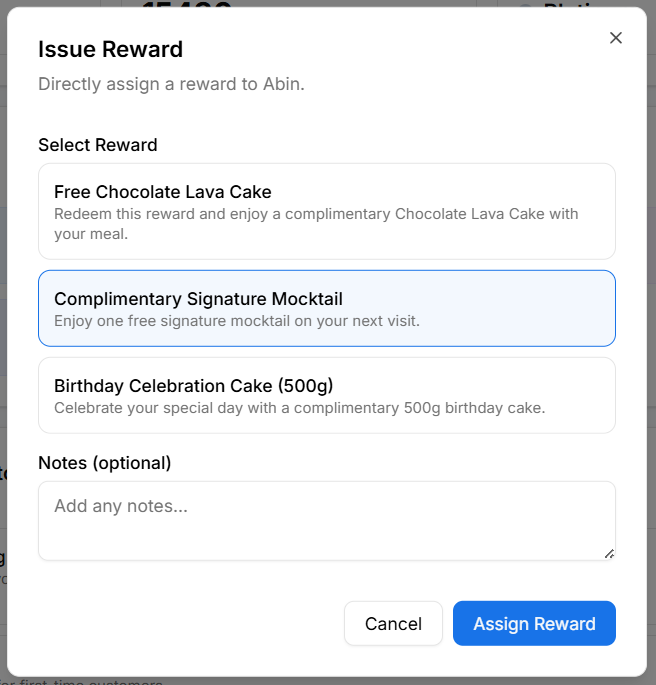
To issue a reward:
- Click Issue Reward from the Quick Actions section.
- Select the reward to grant from the available list.
- Optionally add Notes explaining the reward.
- Click Assign Reward.
This feature is commonly used for promotions, customer service recovery, or special offers.
Redeem Coupon
The Redeem Coupon action allows staff to apply a coupon code provided by the customer.
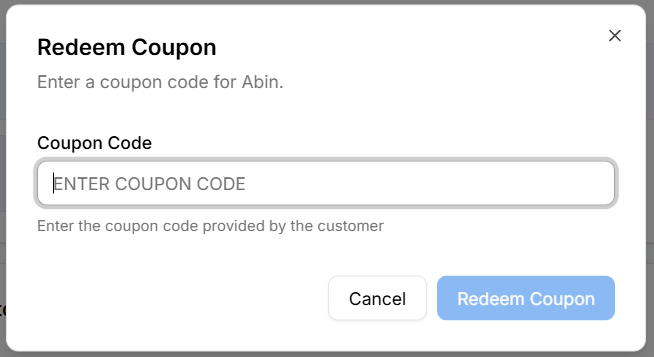
To redeem a coupon:
- Click Redeem Coupon.
- Enter the coupon code in the input field.
- Click Redeem Coupon to apply the coupon.
This applies the coupon discount or offer during checkout.
Use Coupon
The Use Coupon action marks a coupon as consumed or used.
This is typically done after successfully applying a coupon during checkout.

Steps to Use a Coupon
- Click Use Coupon
- Enter the coupon code provided by the customer
- Verify the coupon details
- Click Mark as Used
After confirmation, the coupon cannot be reused if configured as single-use.
Redeem Reward
The Redeem Reward feature allows customers to claim available rewards using their loyalty points.
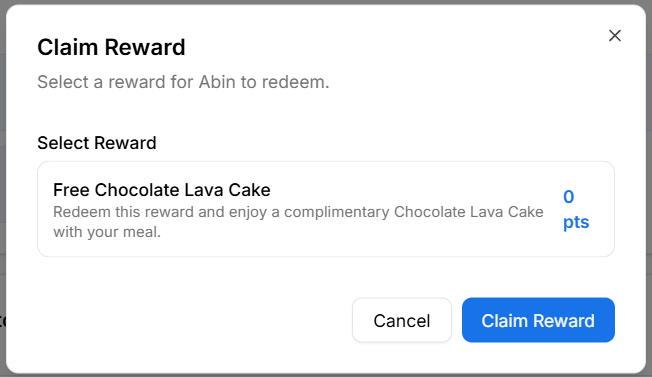
To redeem a reward:
- Click Redeem Reward from the Quick Actions section.
- Select the reward the customer wants to claim.
- Review the reward details.
- Click Claim Reward.
The required points will be deducted from the customer's loyalty account after redemption.
Why Quick Actions Matter
Quick Actions help businesses:
- Process loyalty activities faster during checkout
- Improve customer experience with instant rewards
- Reduce manual effort for staff
- Provide seamless loyalty interactions at the point of sale
These actions ensure that loyalty benefits are easily applied during customer transactions.