Contacts Overview
Your customer database — the people behind every conversation, campaign and order.
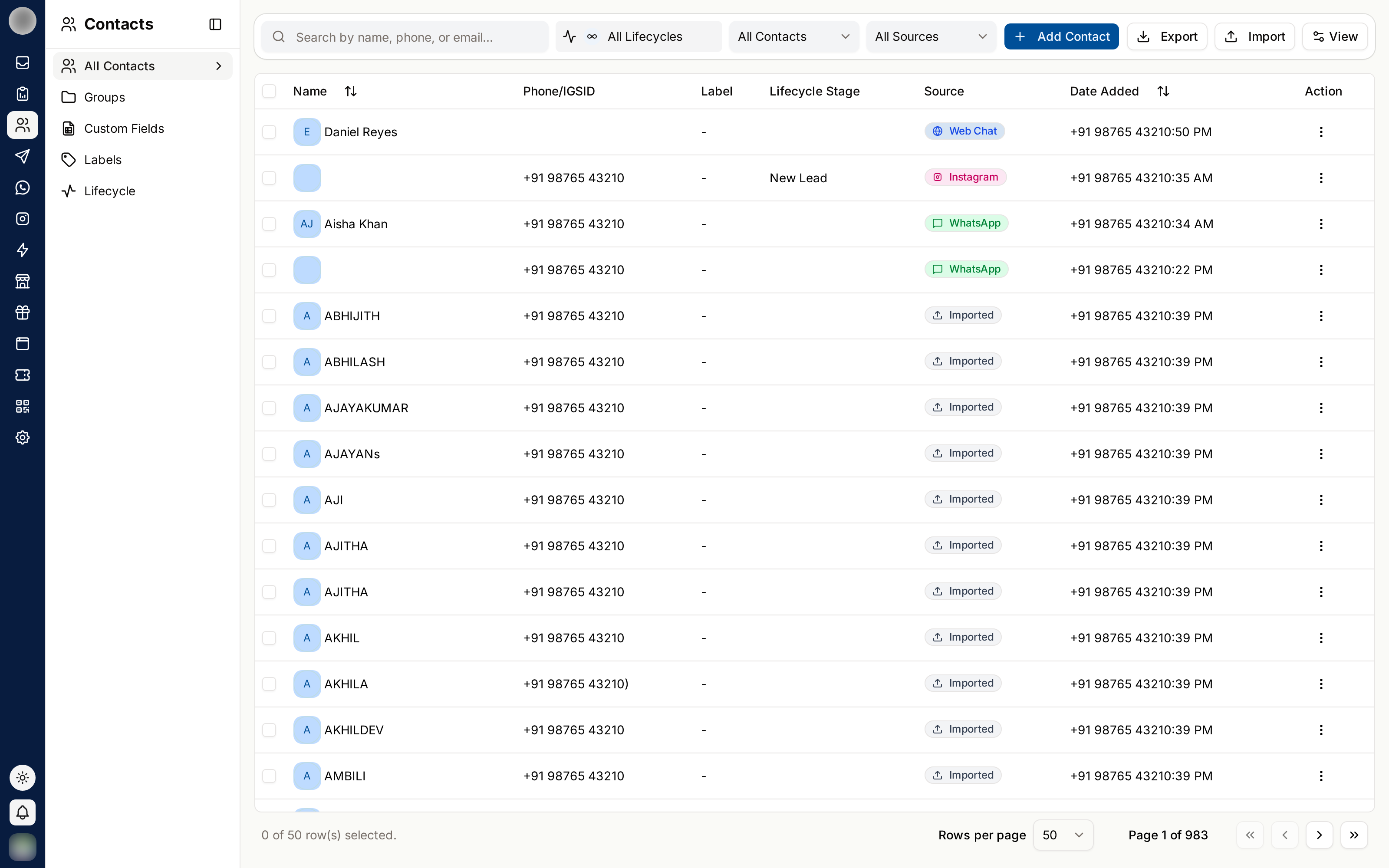
Contacts is the record of everyone you talk to. Every conversation in the Inbox, every campaign send and every order is attached to a contact here.
The Four Ways to Organise Contacts
RateUp gives you four separate tools. They do different jobs, and using the right one is what keeps the database usable as it grows.
| Tool | What it is | Example |
|---|---|---|
| Groups | Team-owned lists you add people to — campaign audiences | Newsletter subscribers |
| Labels | Coloured tags for traits, shown across the Inbox | VIP, Refund pending |
| Lead stage | Where someone sits on your pipeline board | Qualified → Won |
| Custom fields | Extra data you define | Membership number |
A contact sits on one pipeline stage at a time, but can carry many labels and belong to many groups. If you find yourself creating a group called "VIP", what you want is a label.
Organisations without a pipeline board track progress with lifecycle stages instead. That page is no longer in the sidebar, but still works.
What's in This Section
Managing Contacts
Add, search, filter, view details, message, bulk-edit, import, export and delete.
Groups
Team-owned lists for campaigns — add members, import straight in, remove them.
Custom Fields
Text, number, email and multi-value fields for data RateUp does not have by default.
Labels
Coloured tags visible everywhere the contact appears.
Contacts and Consent
Every contact carries a consent status, which controls whether they may receive template messages and campaigns. It shows as Granted or Denied in the contacts table's Consent column, and contacts without it carry a DND badge in the Inbox and a No consent badge in their details.
Consent is not a formality. Messaging people who did not opt in damages your WhatsApp account's quality rating, and that is far harder to repair than a slow month of campaigns.
Related Pages
- Campaigns — where groups and labels get used
- Inbox — conversations attached to contacts
- Automation — rules that read and write contact fields