Messenger Overview
Connect a Facebook Page on its own, answer Page comments, share m.me links, set the Get Started button and menu, and find your Messenger journeys.
Messenger holds what runs on your Facebook Page — "Comments, links and the welcome screen for your Facebook Page." Messenger conversations land in the Inbox like any other channel, and a Page connects on its own: no WhatsApp number is needed.
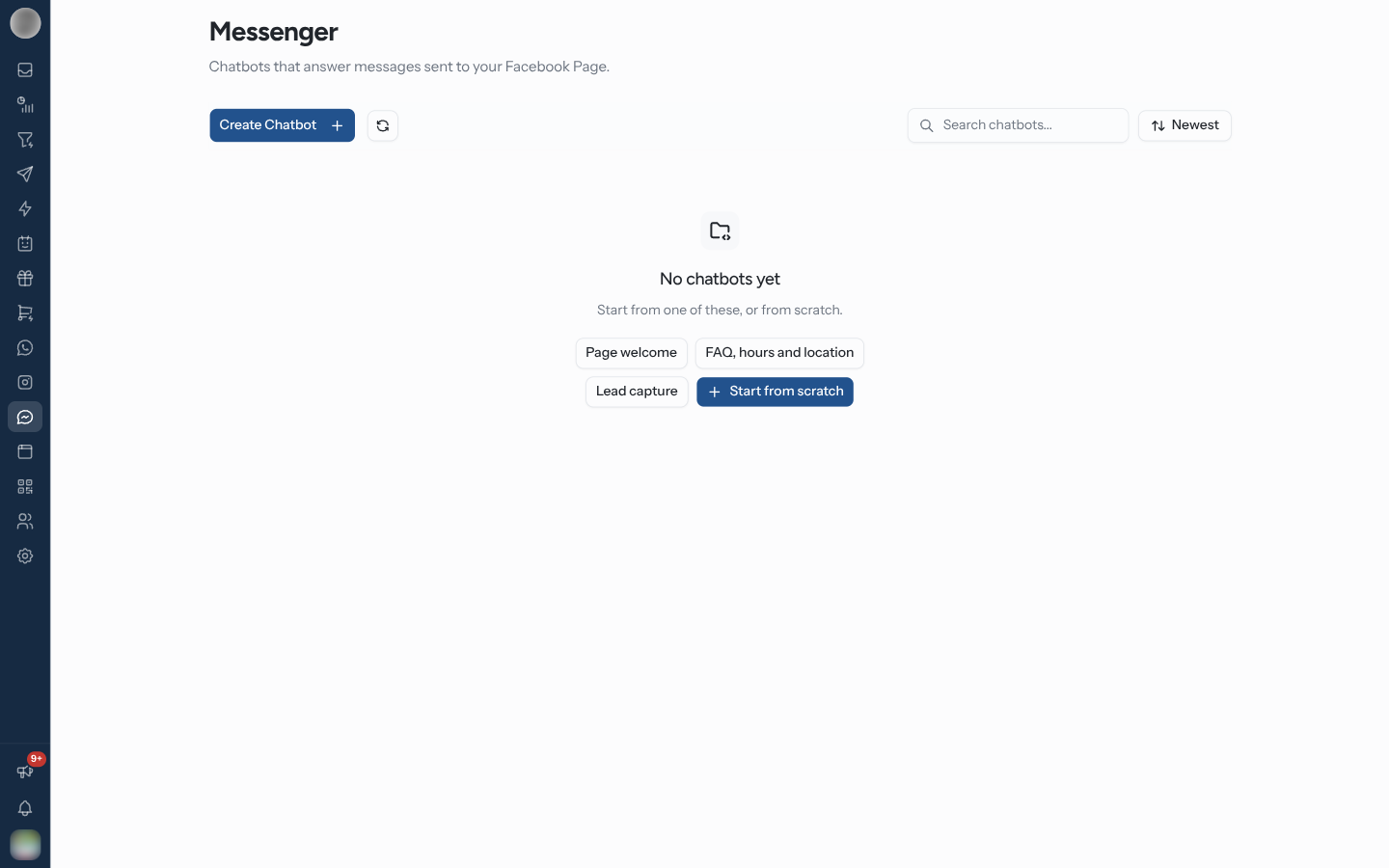
What You Can Set Up
Messenger Journeys
Journeys for your Page, in Automation → Journeys filtered to Messenger.
Facebook Comments
Answer comments on your Page's posts privately in Messenger, and in public.
m.me Links
Links and QR codes that open a chat with your Page and start an automation.
Welcome & Menu
The Get Started button, greeting, ice breakers and persistent menu.
The page has one tab per tool:
| Tab | What it holds |
|---|---|
| Comments | Rules with the Facebook Page Comment trigger — see Facebook Comments |
| m.me Links | Rules with the m.me Link Opened trigger — see m.me Links |
| Welcome & Menu | Get Started, greeting, ice breakers and persistent menu — see Welcome & Menu |
Journeys are not a tab here: they live in Automation → Journeys with the other channels. The Messenger journeys button at the top of the page opens that list filtered to Messenger — see Messenger Journeys.
Messenger (Meta → Messenger, /dashboard/messenger) appears in the Instagram & Messenger
section of the sidebar's Meta group, under Instagram. It follows the See automation rules
ability, not Use journeys — see Members & Roles.
Work with Several Pages
With more than one Page connected, a Select Page list sits beside the tabs. Comments, m.me Links and Welcome & Menu belong to the Page selected there — the first Page until you pick another. Switch Pages before you edit.
Journeys are the exception: a journey is not tied to a Page. The rule that starts it decides which Page it runs on.
Nothing on Messenger needs a sync step: rules take effect when you save them, and Welcome & Menu changes Messenger as soon as you click Save.
Connect a Facebook Page
Until a Page is connected, the page shows "Connect a Facebook Page" — "Messenger journeys run on a connected Facebook Page. Connect one to get started." — with a Connect Facebook Page button.
Click Connect Facebook Page, or open Settings → Channels and click Connect on Facebook Messenger.
Click Continue with Facebook and log in. Meta asks only for Messenger permissions.
In Choose Facebook Pages, tick the Pages you want — "Each Page becomes its own Messenger channel." A Page already linked to another RateUp organisation is marked "Connected to another organization" and cannot be picked.
Click Connect. The Pages appear under Facebook Messenger connections.
You can connect as many Pages as you like. If the list is empty — "No Facebook Pages were shared. Log in again and choose at least one." — Meta was not given access to any Page during login.
Disconnecting a Page stops its conversations reaching the Inbox — "Messenger conversations from this Page will stop arriving in the inbox." Journeys and rules built for it stop answering too.
Where Conversations Go
Every message to a connected Page becomes a ticket in the Inbox, with a Messenger badge. A journey's messages are already in the thread when an agent picks it up. A button tap shows as the button's title, an m.me link visit as "Opened a link (ref: …)", and a Page comment joins the person's conversation once a comment rule has replied to it.
Troubleshooting
| Symptom | Cause | Fix |
|---|---|---|
| "Connect a Facebook Page" although you connected one | The Page is not listed under Facebook Messenger — an Instagram account is a separate channel | Connect the Page under Settings → Channels → Facebook Messenger |
| A Page is missing from Choose Facebook Pages | It was not shared with RateUp during login | Log in again and pick it |
| A Page is greyed out in Choose Facebook Pages | "Connected to another organization" | Disconnect it there first |
| Messenger is not in the sidebar's Meta group | Your role lacks See automation rules | Ask an admin to give your role See automation rules — see Members & Roles |
| No journeys on the Messenger page | Journeys moved to Automation → Journeys | Click Messenger journeys at the top of the page |
| A comment rule, link or menu you set up is not shown | Another Page is selected | Switch the Page selector |
Related Pages
- Messenger Journeys
- Facebook Comments
- m.me Links
- Welcome & Menu
- Channels — connecting and disconnecting Pages
- Automation Rules
- Inbox
Ice Breakers, Menu & Links
The ways customers start a conversation with you on Instagram — ice breakers, the persistent menu, and ig.me links with open counts and QR codes.
Messenger Journeys
Build journeys for your Facebook Page in the same editor as WhatsApp and Instagram, and start them from a message, a comment, an m.me link or a menu tap.