Approvals
Review and approve pending point requests before they affect balances.
Approvals is the queue of point changes waiting for a decision. It is the control that stops staff altering balances unchecked.
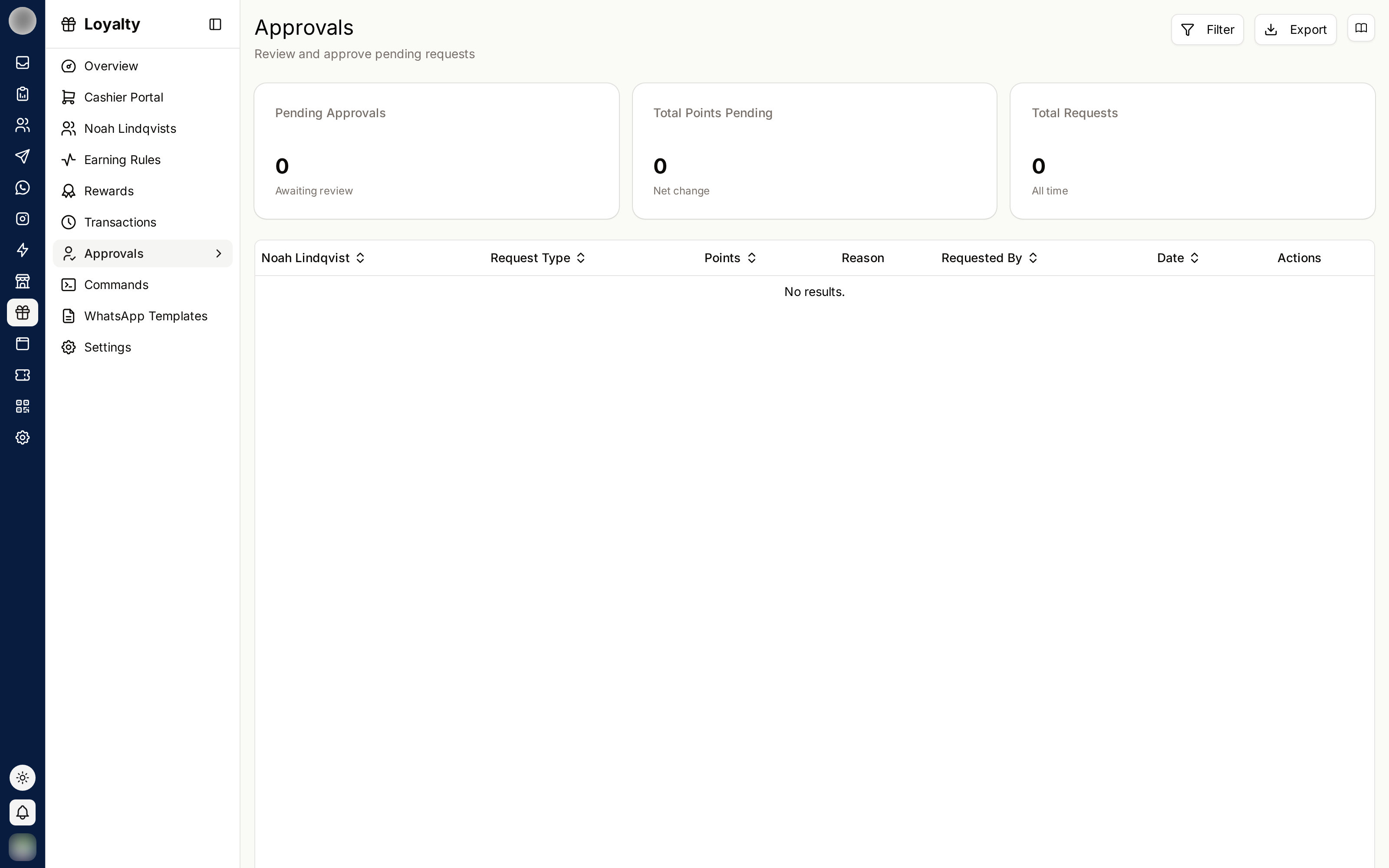
The Queue
| Card | Meaning |
|---|---|
| Pending Approvals | Requests awaiting review |
| Total Points Pending | The points at stake across them |
| Net change | The effect on balances if everything is approved |
Each row shows the customer, request type, points, reason, requested by and date. Pending items are marked Awaiting review.
Approving or Rejecting
Read the reason. A request without a clear one should be queried, not approved.
Check the customer's history in Transactions if the amount looks unusual.
Click Approve or Reject.
Approved requests are recorded as "Approved via dashboard"; rejected ones as "Rejected by admin". Either way the decision, and who made it, is part of the record.
Auto-approve
Auto-approve Adjustments in Settings lets adjustments take effect without review.
| Setting | Right when |
|---|---|
| Off | Multiple staff can adjust points, or amounts can be large |
| On | A small trusted team, and speed matters more than the check |
Turning auto-approve on removes the only safeguard between a member of staff and your point liability. If you turn it on, review Transactions regularly instead.
Reviewing Well
- Approve promptly — a customer is usually standing there waiting
- Look at patterns, not just individual rows; the same reason repeating may mean a rule is missing
- Reject with a conversation, not silently — the requester needs to know why
- Filter by All time to audit past decisions