Transactions
Every point movement in the programme — earned, redeemed, adjusted, expired or refunded.
Transactions is the complete ledger of point activity. Every balance in Customers is the sum of the rows here.
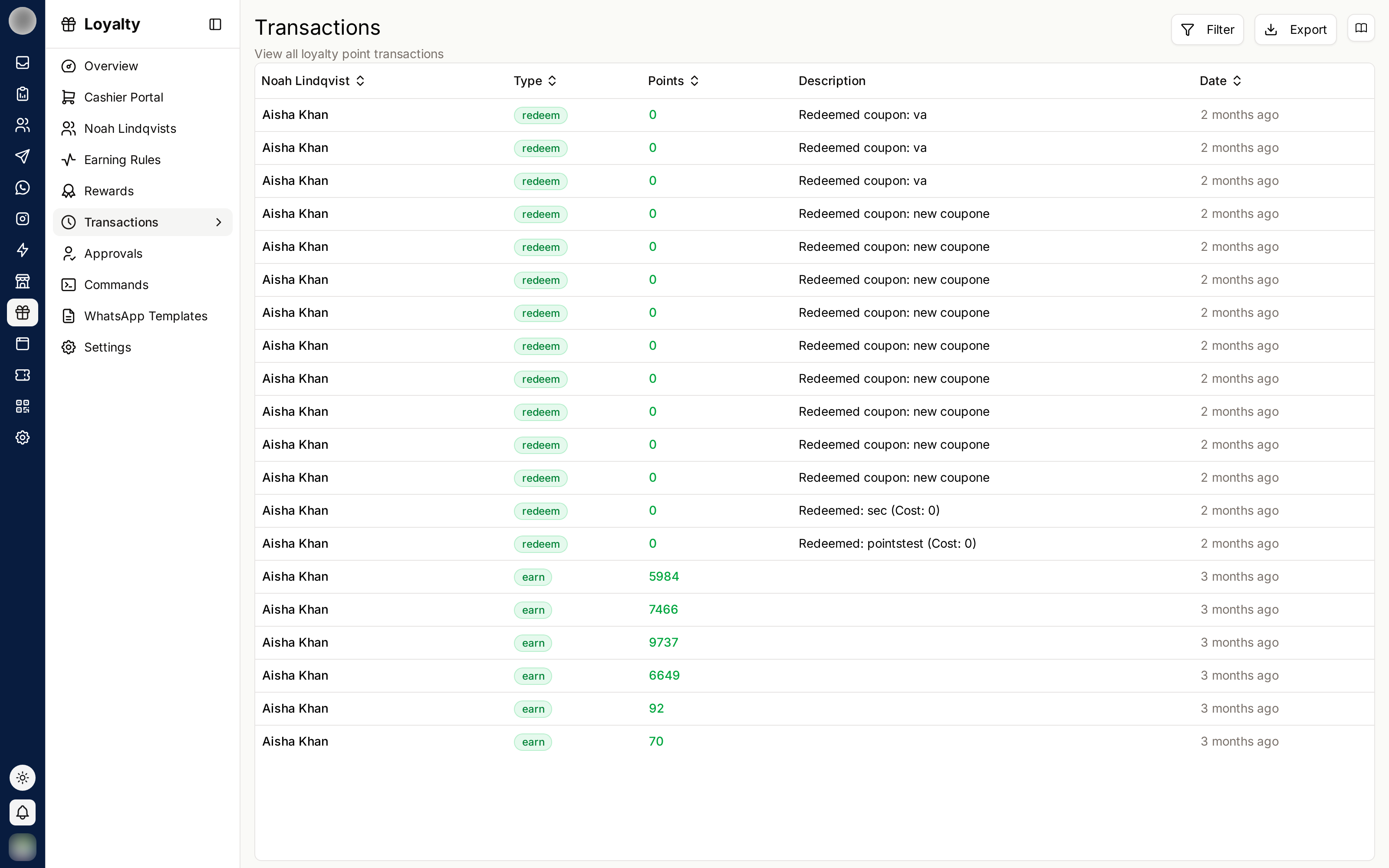
Transaction Types
| Type | Meaning |
|---|---|
| Earn | Points awarded from a purchase or rule |
| Redeem | Points spent on a reward |
| Adjust | A manual correction by staff |
| Expire | Points removed by the expiry policy |
| Refund | Points returned, usually after a cancelled order |
The Columns
| Column | Contains |
|---|---|
| Date | When it happened |
| Customer | Who it affected |
| Type | Earn, redeem, adjust, expire, refund |
| Points | How many, and in which direction |
| Description | Why — the rule or reward involved |
| Status | Whether it completed |
Use Filter to narrow by type, customer or date, and Export to take the data away.
Investigating a Dispute
When a customer says their points are wrong, this is where the answer is:
- Filter to that customer
- Read the ledger from the top — every change is there in order
- Check for Expire rows; expired points are the most common surprise
- Check for Adjust rows; a colleague may have corrected something manually
The description is what makes this readable months later. Name your earning rules and rewards clearly — those names appear here.
Manual Adjustments
Staff can adjust balances directly. Depending on your settings, adjustments may need approval before they take effect, and members can be notified when one happens.
Adjustments are the one place a person can change a balance without a rule behind it. Review them periodically — an unexplained pattern of adjustments is worth understanding.