WhatsApp Templates
The approved message templates the loyalty programme uses for each kind of notification.
Loyalty sends its notifications as WhatsApp templates. This page is where those templates are created from a predefined set; mapping each notification to a template happens in Settings.
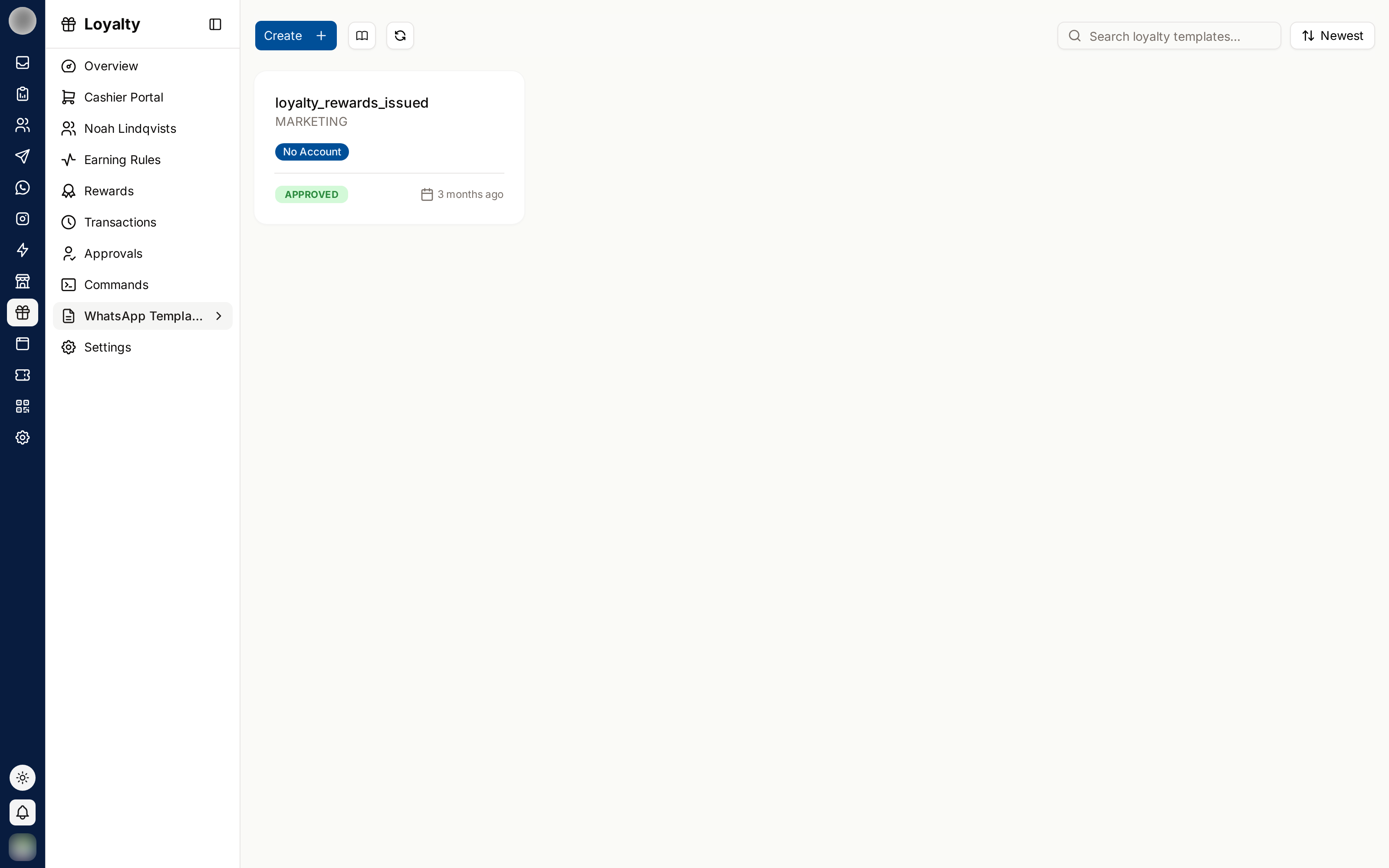
Creating a Loyalty Template
This page lists the loyalty templates you have created, each with its WhatsApp account and approval status. Click Create to start a new one:
Pick a Template — choose one of the predefined loyalty templates. Each comes with a ready body and example values.
Choose the WhatsApp account it will belong to.
The draft is created and opens in the template editor, where you edit and submit it for approval.
Each predefined template is listed by its WhatsApp template name, with its type on a badge:
| Template name | Type |
|---|---|
loyalty_customer_registration | CustomerRegistration |
loyalty_point_information | PointInformation |
loyalty_referral | Referral |
loyalty_customer_removal | CustomerRemoval |
loyalty_rewards_issued | RewardsIssued |
loyalty_points_issued | PointsIssued |
loyalty_points_adjusted | PointsAdjusted |
loyalty_reward_issued | RewardIssued |
loyalty_reward_redeemed | RewardRedeemed |
loyalty_tier_upgraded | TierUpgraded |
loyalty_birthday | Birthday |
loyalty_inactivity_reminder | InactivityReminder |
Use Search loyalty templates… to filter the list. A template with no account shows No Account.
Mapping Templates to Notifications
Mapping does not happen on this page — it happens in Settings, where each notification has its own template selector:
| Notification | Template for |
|---|---|
| Points Issued | Points awarded |
| Points Adjusted | A manual balance change |
| Reward Issued | A reward granted |
| Reward Redeemed | A reward claimed |
| Tier Upgraded | Reaching a new tier |
| Birthday | A member's birthday reward |
| Inactivity Reminder | A member who has gone quiet |
| Points Expiry Alert | An upcoming expiry |
| Points Expired | Points removed by expiry |
A notification with no template selected does not send. Create the template here, wait for approval, then go to Settings and select it against the notification.
Category
Loyalty notifications are transactional rather than promotional, so they generally belong in the UTILITY category when the template is created.
Category matters: a utility template rejected for containing promotional content is the most common approval failure. Tell the customer what happened to their points; do not attach an offer.
Variables
Templates carry variables filled in per customer — their name, point balance, tier, reward name. Provide an example for each when creating the template, or WhatsApp will reject it.
Preview before saving. A broken variable in a loyalty notification reaches every active member.
Creating the Templates
Templates themselves are built and submitted for approval under WhatsApp → Templates. Only approved templates appear in the selectors here.
Build them before launch — approval takes time you will not have on the day.
Related Pages
- Notifications — which notifications exist
- WhatsApp Templates — creating and approving them
- Settings