Meta AI Agent
Meta's Business Agent, set up from RateUp — a guided path from connecting with Meta to going live, then insights once it is answering.
The Meta AI Agent answers your customers on WhatsApp using Meta's own Business Agent. It runs at Meta, not in RateUp — you configure what it knows, what it may do and who it is allowed to talk to, and Meta does the answering.
The section opens on a setup guide that walks you through it in order. In the sidebar, every step is its own row under Meta AI Agent, grouped as Get started, Teach your agent, Go further and Test and go live, with a tick on each finished step and an Agent setup meter at the foot of the panel.
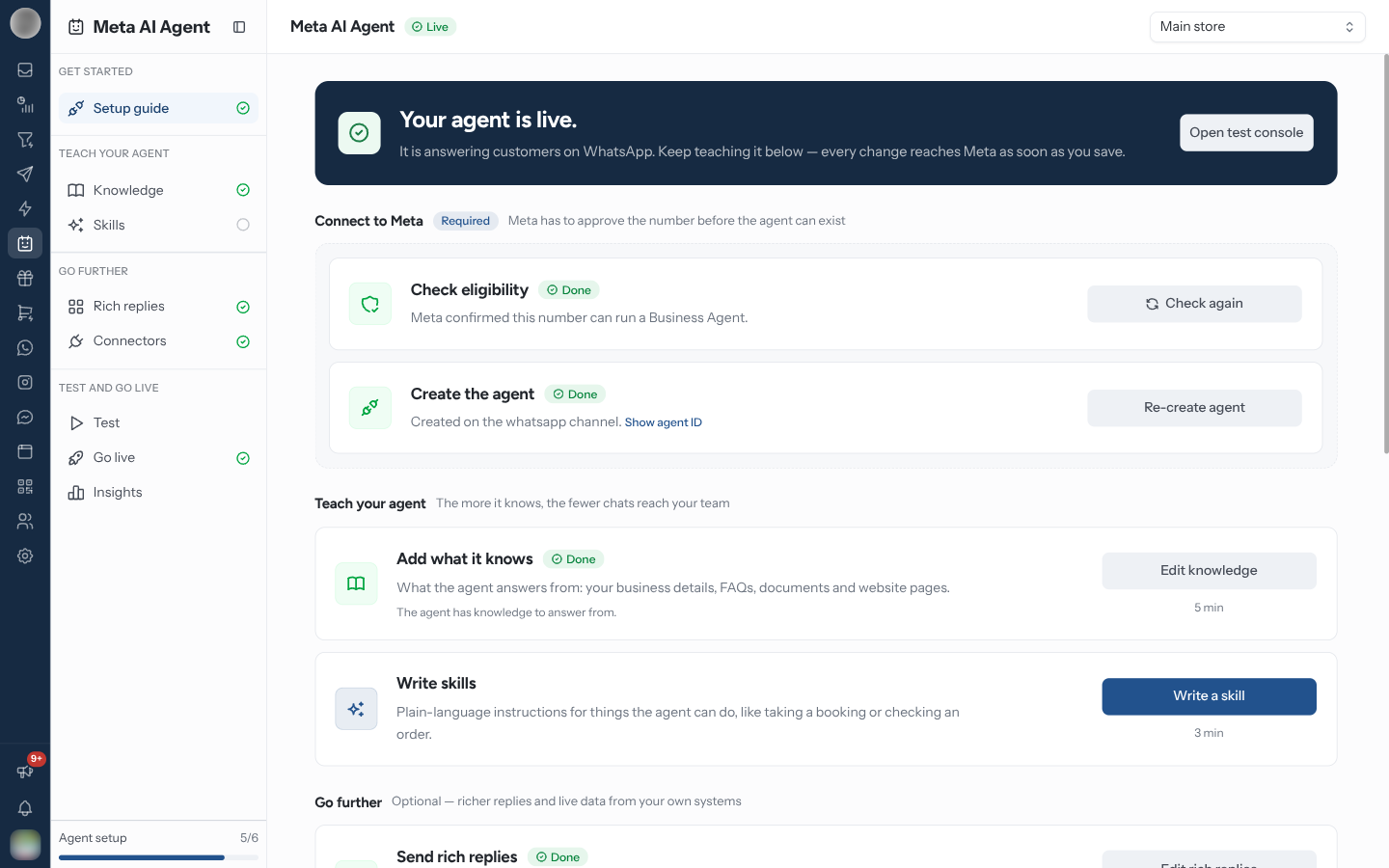
The section only appears if your team has the AI chatbot feature. It also needs a connected WhatsApp number — without one, every page shows Connect WhatsApp first.
Which Number You Are Configuring
Every page works against one WhatsApp number. With a single number connected, the header simply names it; with several, pick one from the Select WhatsApp number picker in the header. The choice sticks as you move between pages.
Next to the title, a badge says where that number's agent stands:
| Badge | Meaning |
|---|---|
| Not set up | No agent has been created at Meta for this number yet |
| Off | The agent exists but Agent is on is switched off, so it answers nobody |
| Live | The agent exists and is answering customers |
The Steps
The order below is the sidebar's order. Each step page has a Back button and a Continue to … button, so you can walk them in sequence; each page still saves on its own.
Setup guide
Check the number with Meta and create the agent. Everything else needs this first.
Knowledge
Business info, FAQs, files and websites the agent answers from.
Skills
Plain-language instructions, and when to apply them.
Rich replies
Carousels, buttons, lists and Flows the agent can reply with. Optional.
Connectors
The one-click RateUp connector, and your own APIs for live data. Optional.
Test
Chat with the agent, send business events, hand threads back and run evaluations.
Go live
Switch it on, choose who it answers, set the handoff and cap its usage.
Insights
Conversations handled, handoffs waiting, tool performance and turn-by-turn traces.