Web Forms Overview
Build surveys and forms, style them, share them anywhere, and act on the responses.
Web Forms builds the surveys and forms you send to customers — feedback requests, lead capture, registrations, NPS.
They run in a browser, so they work anywhere: a QR code on a receipt, a link in a WhatsApp message, an email, your website.
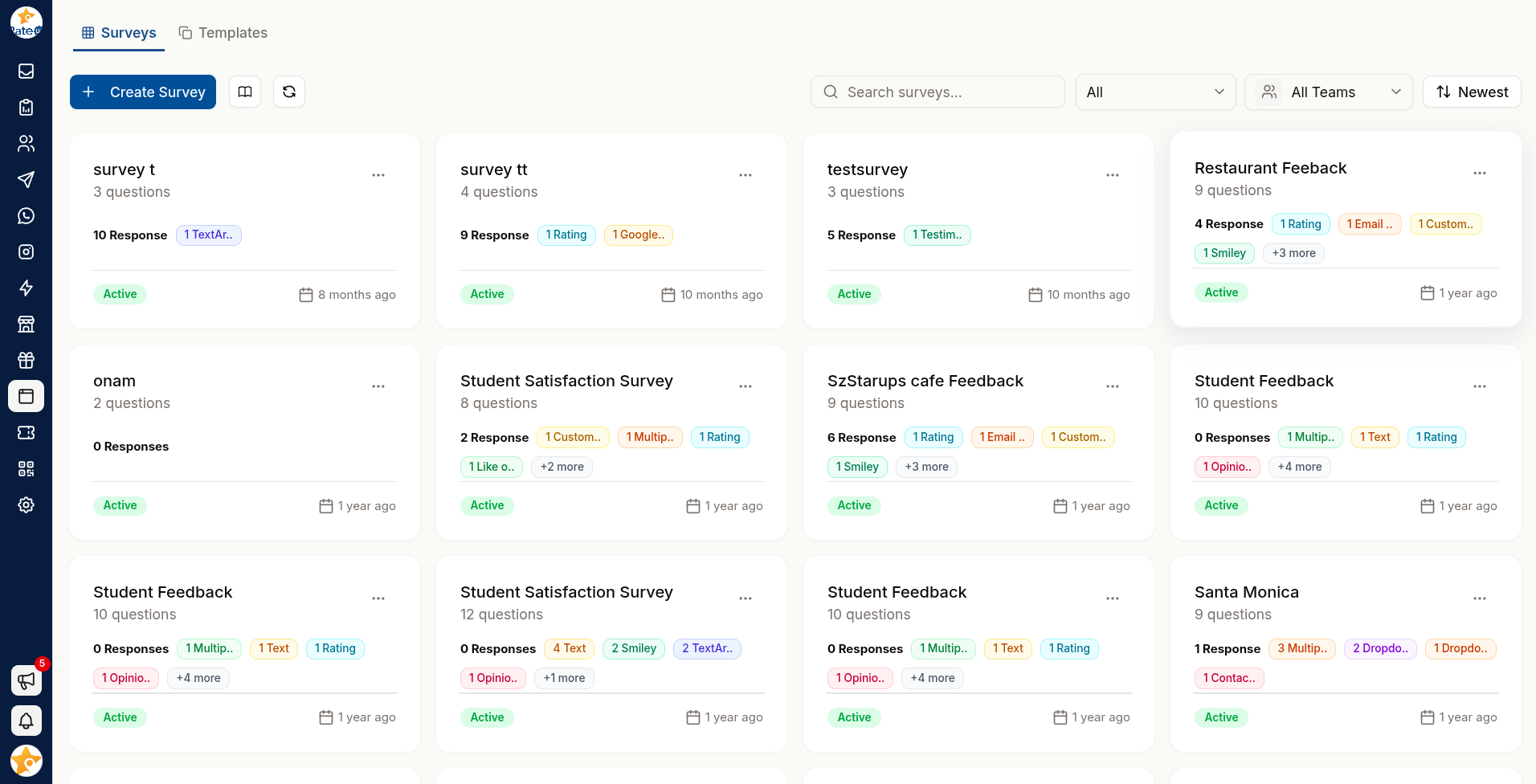
What's in This Section
Creating a Form
Start blank or from a template, and add your first questions.
Question Types
Input, choice, contact, NPS and rating questions.
Logic & Variables
Logic jumps, variables and custom validation.
Design
Themes, colours, and the welcome, survey and thank-you pages.
Settings
Status, access control, language and response rules.
Sharing
Links, QR codes, WhatsApp and embedding.
Responses & Results
Reading, analysing and exporting what people submitted.
Automations
Google review routing, and following up on a poor response.
The Editor
Every form opens into the same tabbed editor:
| Tab | For |
|---|---|
| Questions | Building the form |
| Edit Theme | Colours, fonts and logo |
| Settings | Behaviour and access |
| Share | Getting it in front of people |
| Responses | What people submitted |
| Analytics | Charts and NPS analysis |
| Team Analytics | The same results compared across teams |
Questions, theming and settings are separate tabs, so you can restyle a form without touching what it asks.
Web Forms vs WhatsApp Flows
Both collect structured answers. They suit different moments:
| Web Forms | WhatsApp Flows | |
|---|---|---|
| Runs in | A browser | Inside WhatsApp |
| Reach | Anyone with the link | People messaging you on WhatsApp |
| Length | Handles longer forms | Best kept very short |
| Design control | Full theming | WhatsApp's styling |
| Best for | Detailed feedback, public forms | Quick in-conversation capture |
If the person is already in a WhatsApp conversation, a flow gets more completions. If you are reaching people by QR code, email or your website, use a web form.
Related Pages
- Testimonials — turning responses into social proof
- QR & Links — getting people to your form