Sharing
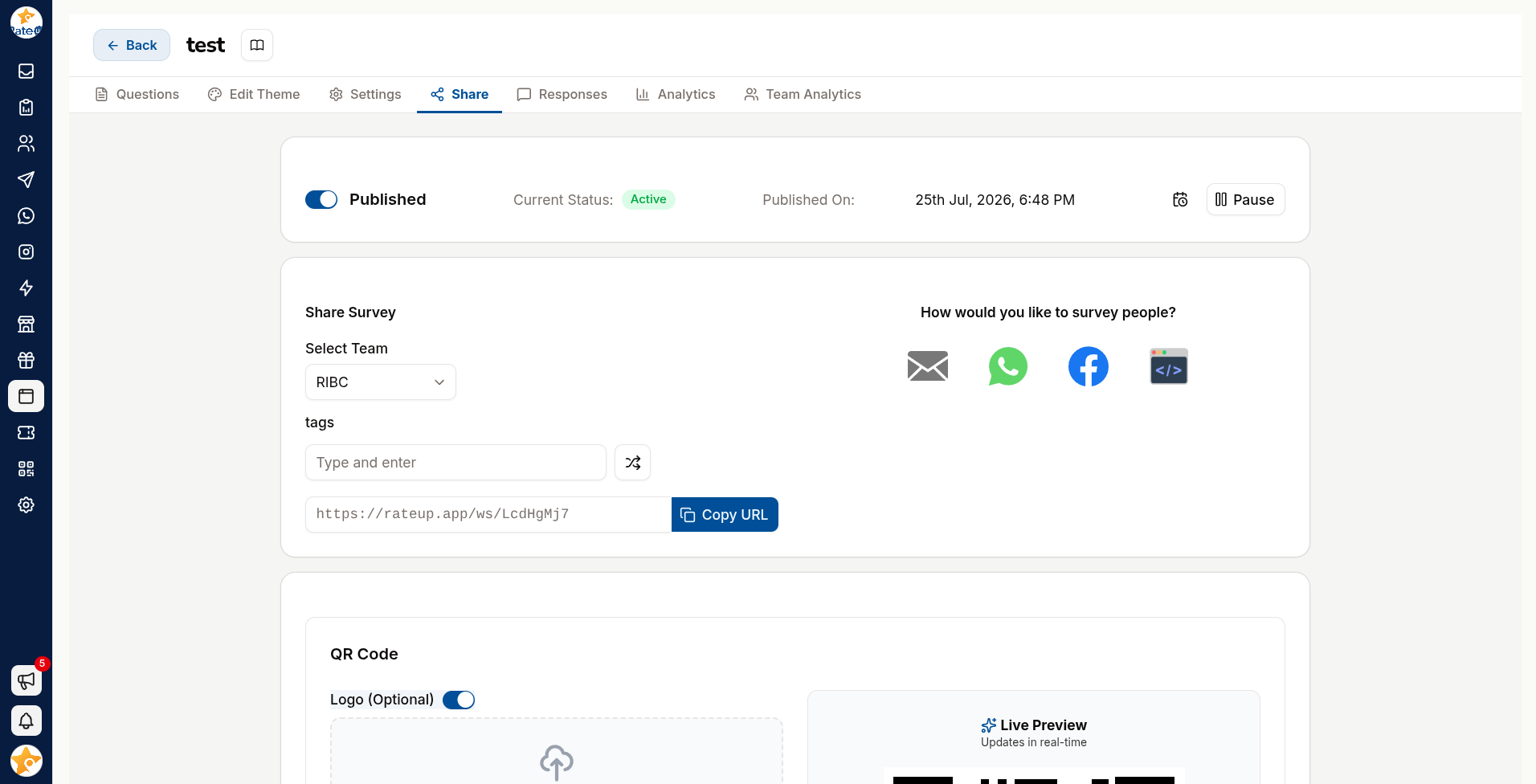
Links, QR codes, WhatsApp, embedding and URL tags for tracking where responses came from.
Getting the form in front of people. The Share tab covers every route.
Link
Copy URL gives you the form's address. It works anywhere a link does — email, SMS, social, your website.
The form must be published first.
QR Code
Download QR Code produces a printable code. Download all QRs gets every code at once when you have several.
Use QR codes for anything physical: receipts, table tents, packaging, posters, event badges.
For anything printed, consider pointing a QR code at the form instead. The printed code stays valid even if you later replace the form — a QR printed on 5,000 receipts is not something you want tied to one survey forever.
Send the form from a WhatsApp conversation, a template button, or a campaign.
Response rates over WhatsApp are typically much higher than email — the message arrives where the customer already is, and the link opens in one tap.
Configure the start message and template message so the invitation reads like your brand rather than a bare URL.
Embedding
Generate IFrame produces embed code for your own site.
Click Embed as iframe or Create an iframe to embed survey.
Set the width and height, with their units.
Copy code and paste it into your page.
Check the embed on a phone. An iframe with a fixed pixel height is the usual cause of a form that scrolls awkwardly inside a box on mobile.
URL Tags
Manage URL Tags lets you add parameters to the form's link so you know where each response came from.
| Placement | Tag |
|---|---|
| Receipt QR | source=receipt |
| Email campaign | source=email-june |
| Table tent | source=table |
The tag arrives with the response, so "which placement actually works?" becomes a question with an answer instead of a guess.
Tag every placement from day one. Adding tags later means the first months of responses are permanently unattributable.
Redirects
Edit Redirect sends respondents to a URL of your choosing after submitting — your site, a reward page, or a Google review.