Ice Breakers & Commands
Ice breakers and commands — the suggestions customers see before they type anything.
Ice breakers and commands are what WhatsApp shows a customer when they open a chat with you and
have not written anything yet. Open them from Meta → WhatsApp → Ice Breakers
(/dashboard/whatsapp/ice-breakers). The page is headed Ice Breakers & Commands: "The suggested
questions and slash commands customers see when they open a WhatsApp chat with you." It was
previously called Conversational.
Ice breakers and commands belong to one WhatsApp number. The page opens on your first number; use the number picker at the top to switch to another.
They are small, cheap to set up, and they deflect a surprising share of routine questions.
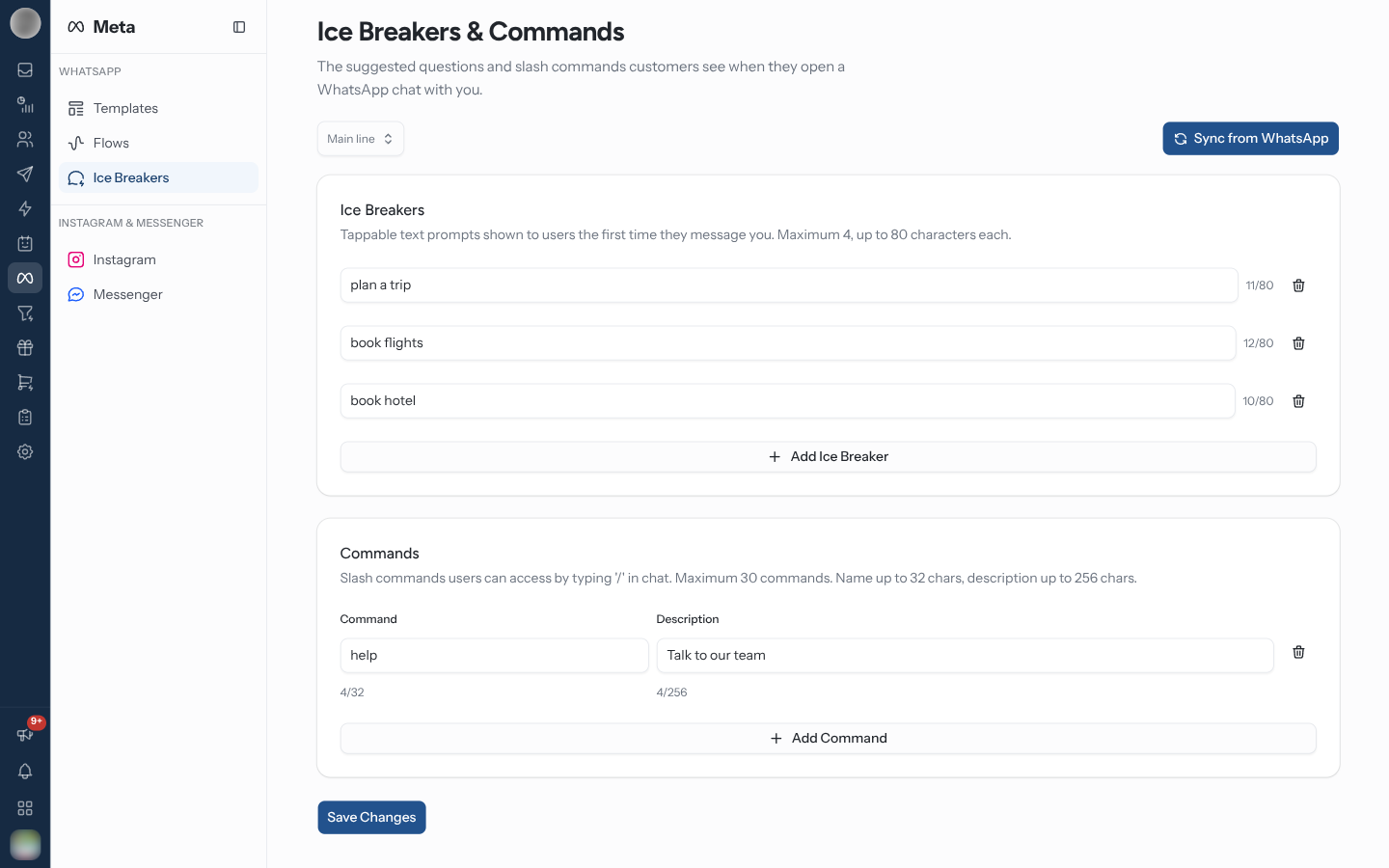
Ice Breakers
Ice breakers are tappable suggested questions shown in an empty chat.
Click Add Ice Breaker.
Write the question as a customer would ask it.
Click Save Changes.
A maximum of four ice breakers is allowed ("Maximum 4 ice breakers allowed"). Choose the four questions you actually answer most — check your Inbox if you are guessing.
Commands
Commands are shortcuts a customer types with a leading slash. Each has a command and a description explaining what it does.
Click Add Command.
Enter the command name and a short description.
Click Save Changes.
Keep descriptions to a few words — they appear in a compact list on the customer's phone.
Ice Breakers vs Commands
| Ice breakers | Commands | |
|---|---|---|
| Seen by | Everyone opening an empty chat | Customers who type / |
| Best for | The obvious first questions | Power users and repeat customers |
| Limit | 4 | Several |
Most businesses get more value from ice breakers, because they require nothing of the customer.
Syncing
Sync from WhatsApp pulls the current configuration from your WhatsApp account, so RateUp matches what customers actually see.
If a change does not appear on a test phone, close and reopen the chat — WhatsApp caches these components on the device.
Related Pages
- Journeys — what happens after they tap
- Inbox — finding your most common questions
- Instagram Entry Points — the Instagram equivalent