WhatsApp Settings
Your WhatsApp Business account configuration — numbers, profile and account health.
WhatsApp Settings is the configuration of the WhatsApp Business account itself, as opposed to what you build on top of it.
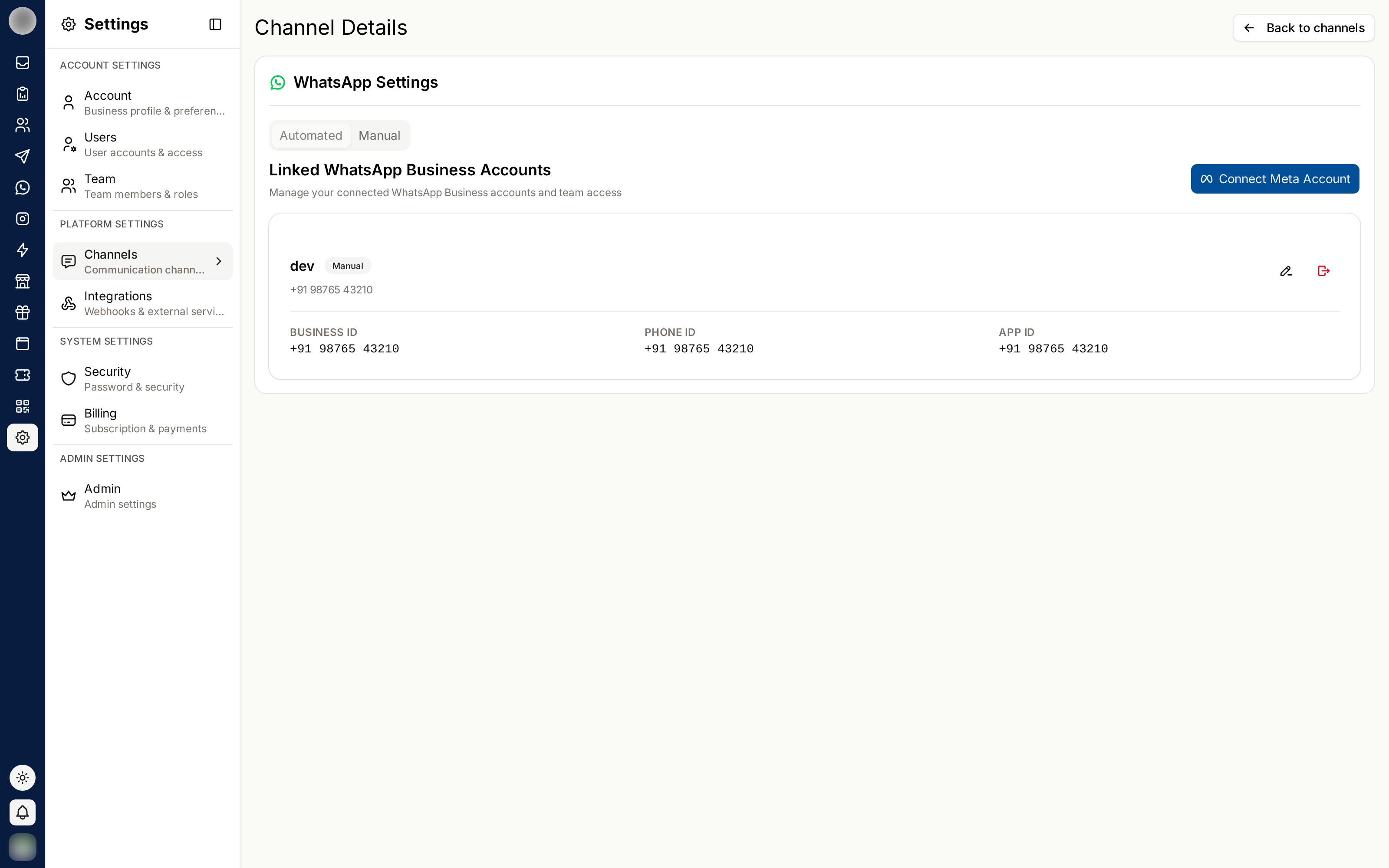
Accounts and Numbers
An account can have more than one phone number — one per brand, region or department.
Each number is a separate identity to your customers. In the Inbox, every ticket shows which number the customer wrote to, so agents reply as the right business.
Business Profile
The profile customers see when they tap your business name in WhatsApp: the photo, the about line, description, category, address, email and websites. You edit it per number under Channels, on the number's Profile tab.
The business name itself is separate. It is Meta's display name, it goes through review before it can change, and the number has to be re-registered before the new one appears — see Change the Display Name.
This is customer-facing and appears before anyone has spoken to you. An out-of-date address or a dead website link here costs more trust than it looks like it should.
WhatsApp has no way to empty a profile field once it is set, so plan on replacing values rather than clearing them.
Account Health
WhatsApp scores business accounts on quality, based on how recipients respond to your messages. Poor scores reduce how many messages you may send.
The things that damage it:
| Cause | Avoid by |
|---|---|
| Messaging people who did not opt in | Respecting consent |
| Irrelevant campaign blasts | Segmenting with groups and labels |
| High block and report rates | Sending less, and sending better |
| Templates that mislead | Saying plainly what the message is |
Watch failure rates in Message Analytics — a rise there is usually the first visible symptom.
Related Pages
- Channels — connecting accounts, and each number's name, display name and profile
- Templates
- Message Analytics