Checkout
Choose where customers pay — RateUp checkout or your Shopify or WooCommerce checkout — what checkout in chat asks for, and when unpaid carts get a reminder.
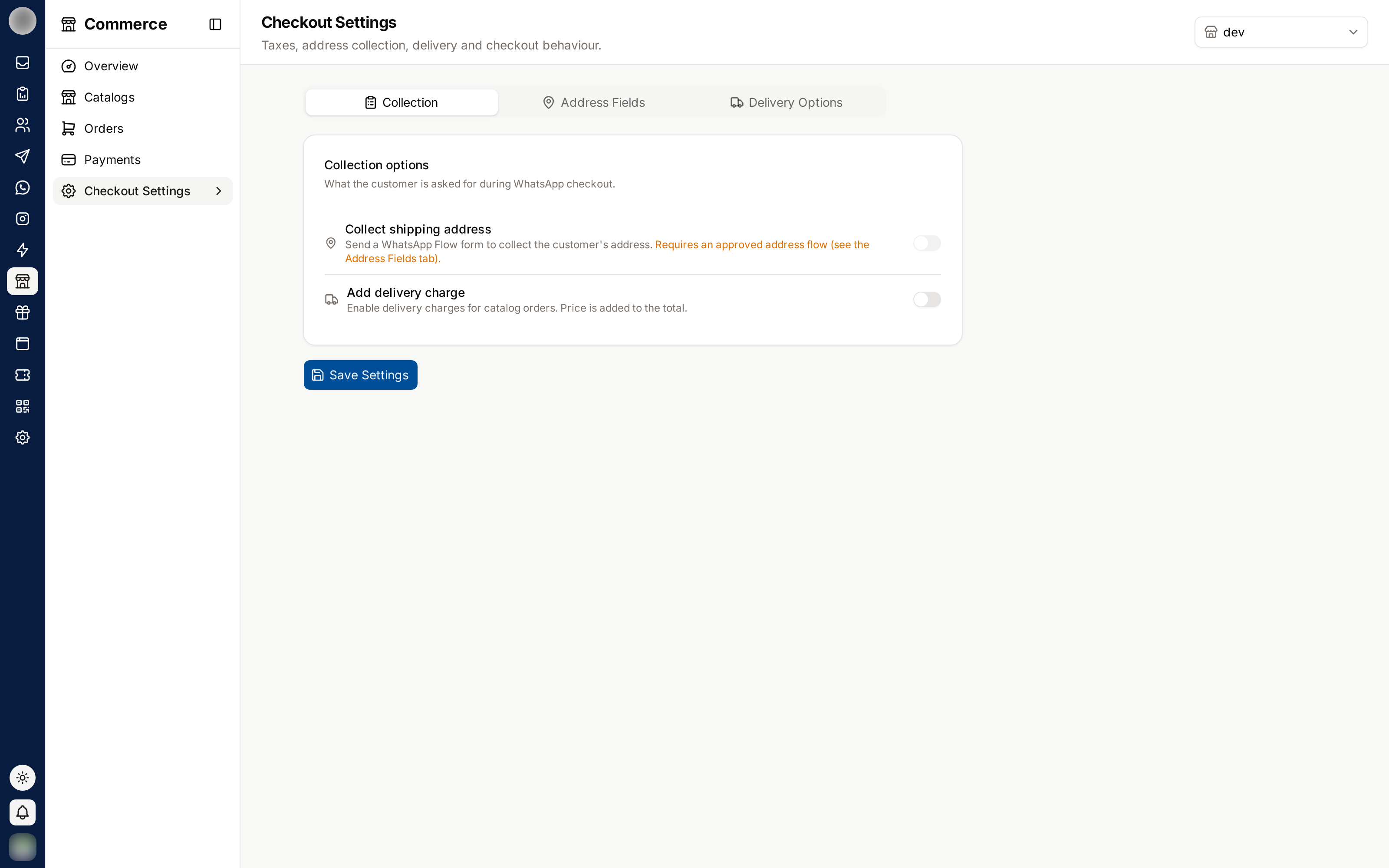
Commerce → Settings → Checkout decides where customers pay and what RateUp asks them on the way. Changes are kept when you click Save changes in the bar at the bottom.
Choose Where Customers Pay
Where customers pay depends on where your products come from.
| Your products | What you can choose |
|---|---|
| Added or copied into RateUp | Always RateUp checkout. "To let customers pay on your Shopify or WooCommerce checkout instead, connect the store and import its products with “Keep in sync” on, from Products → Import." |
| Kept in sync with Shopify or WooCommerce | Shopify checkout / WooCommerce checkout, or RateUp checkout |
The choice "applies to the storefront, checkout links in chat, comment replies and the AI agent."
| Option | What the customer gets |
|---|---|
| Shopify checkout | "Customers pay on your Shopify checkout page, which handles delivery, tax, invoices and discount codes. RateUp coupons, points at checkout and cart reminders don't apply." |
| WooCommerce checkout | "Customers add their address and pick one of your RateUp delivery rates, then pay on your WooCommerce checkout page, which handles tax and invoices. RateUp coupons, points at checkout and cart reminders don't apply." |
| RateUp checkout | The methods from Getting Paid. "Coupons, loyalty points and cart reminders work in chat, and orders are added to Shopify." |
On a store checkout the shopper sees "Taking you to our secure checkout…" and Continue to payment. Orders paid there are packed, shipped, refunded and invoiced in the store — RateUp follows along.
On a store checkout, products you added in RateUp itself cannot be paid for, so they are hidden from the storefront, chat and the AI agent. The Products page shows how many with "… products aren't for sale while customers pay on your store's checkout".
Stop Following the Store
Stop syncing from Shopify (or WooCommerce) turns the store's products into your own: "you edit their prices and stock here from now on. Customers check out in RateUp, and orders are no longer added to Shopify." It needs both product and payment permissions.
If the store is disconnected under Integrations, a red banner says "Shopify is disconnected": products stop syncing and customers check out in RateUp until you reconnect it or stop syncing.
Choose What Checkout in Chat Asks
Shown for RateUp checkout. Checkout in chat — "What we ask after a customer sends a cart, in this order."
| Step | Asks | Switch |
|---|---|---|
| 1 Delivery address | "Asked with the WhatsApp address form and saved for next time." | On / off |
| 2 Delivery option | "Shows the rates from Commerce → Settings → Delivery that match the address." | On / off |
| 3 Use loyalty points | "Only asked when the customer has enough points." | On / off |
| 4 Coupon code | "Customers can type a code before paying." | On / off |
| 5 Payment link | "How long a payment link stays valid", in hours | Default 24 |
With Use loyalty points on, set Value of 1 point, Fewest points to redeem and Most of the order paid in points (%).
Remind Customers Who Did Not Pay
Cart reminders — "Remind customers who sent a cart but did not pay. Pick up to three times." — offers 30 minutes, 1 hour, 3 hours and 1 day. Pick none to send no reminders.
Add a coupon to the last reminder attaches one of your active coupons to the final one. Paid orders that had a reminder count as Recovered from cart reminders on the Overview.
Reminders are sent only on RateUp checkout. The times you pick here are what turns them on or off; the Cart reminder row in Customer messages picks the template used outside WhatsApp's 24-hour window. For Shopify's own abandoned checkouts, use Abandoned-Cart Reminders.
Troubleshooting
| Symptom | Cause | Fix |
|---|---|---|
| No Shopify or WooCommerce option | Products were copied in, not kept in sync | Import them with Keep in sync from Products |
| "No way to get paid is set up yet." | Nothing set up under Getting paid | Connect a provider or turn on cash or transfer |
| Checkout in chat and Cart reminders are missing | A store checkout is chosen | Expected — the store's checkout handles these |
| Coupons do nothing at checkout | Coupon code is off, or a store checkout is chosen | Turn it on, or create codes in the store |
Related Pages
Getting Paid
Connect Stripe or Razorpay, offer cash on delivery or bank transfer, and set up the PDF invoices paid orders get.
Storefront
Your public shop page — publishing it, each product's own link, search indexing, how shoppers check out, and why some orders start with a WhatsApp message from the shopper.