Mine
The Mine view is your personal workload — every ticket assigned to you.
Mine shows the tickets assigned to you. For most agents this is where the working day happens.
What You See
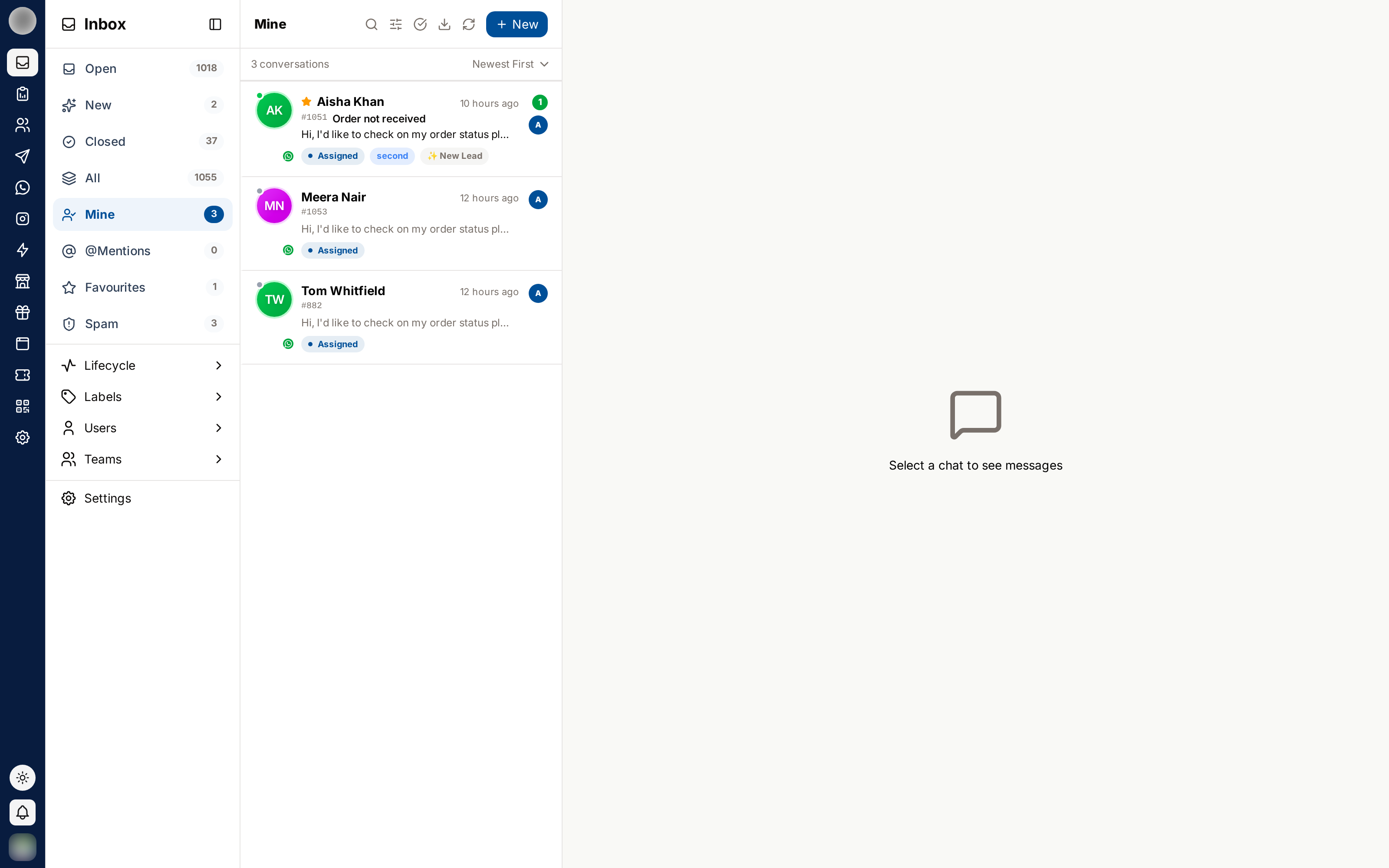
- Every ticket is assigned to you
- You are accountable for replying and for closing it
- These tickets also appear in Open, but Mine filters out everyone else's work
How Tickets Get Here
A ticket appears in Mine when:
- You click person + on a row in the New view
- You click Assign to me inside a ticket
- A manager or admin assigns it to you
- Someone uses Assign entire team on a team you belong to
- Someone bulk-assigns a batch of tickets to you
Your Daily Loop
Clear @Mentions first. Colleagues are blocked on those.
Work through Mine, oldest or most urgent first. Watch the 24-hour countdown on WhatsApp tickets.
Close each ticket with the right outcome as soon as its topic is finished.
Top up from New when your queue is short.
What You Can Do From Here
- Read and reply to customer messages
- Leave private notes and mention colleagues
- Edit the ticket title and description
- Star the ticket into Favourites
- Close it with a result
- Reassign it, if your role permits
Handing a Ticket Over
Leave a private note summarising where things stand — this is the handover, and it stays on the ticket.
@mention the person taking over, so it lands in their @Mentions view.
Open Ticket Details → Assignment → Change and pick the new owner.
The ticket leaves your Mine view and appears in theirs.
Reassigning without a note is the most common cause of a customer repeating themselves. Always leave the context behind.
Related Pages
- @Mentions — requests from colleagues
- Private Notes & @Mentions — how handovers are written
- Closing & Reopening