All Contacts Overview
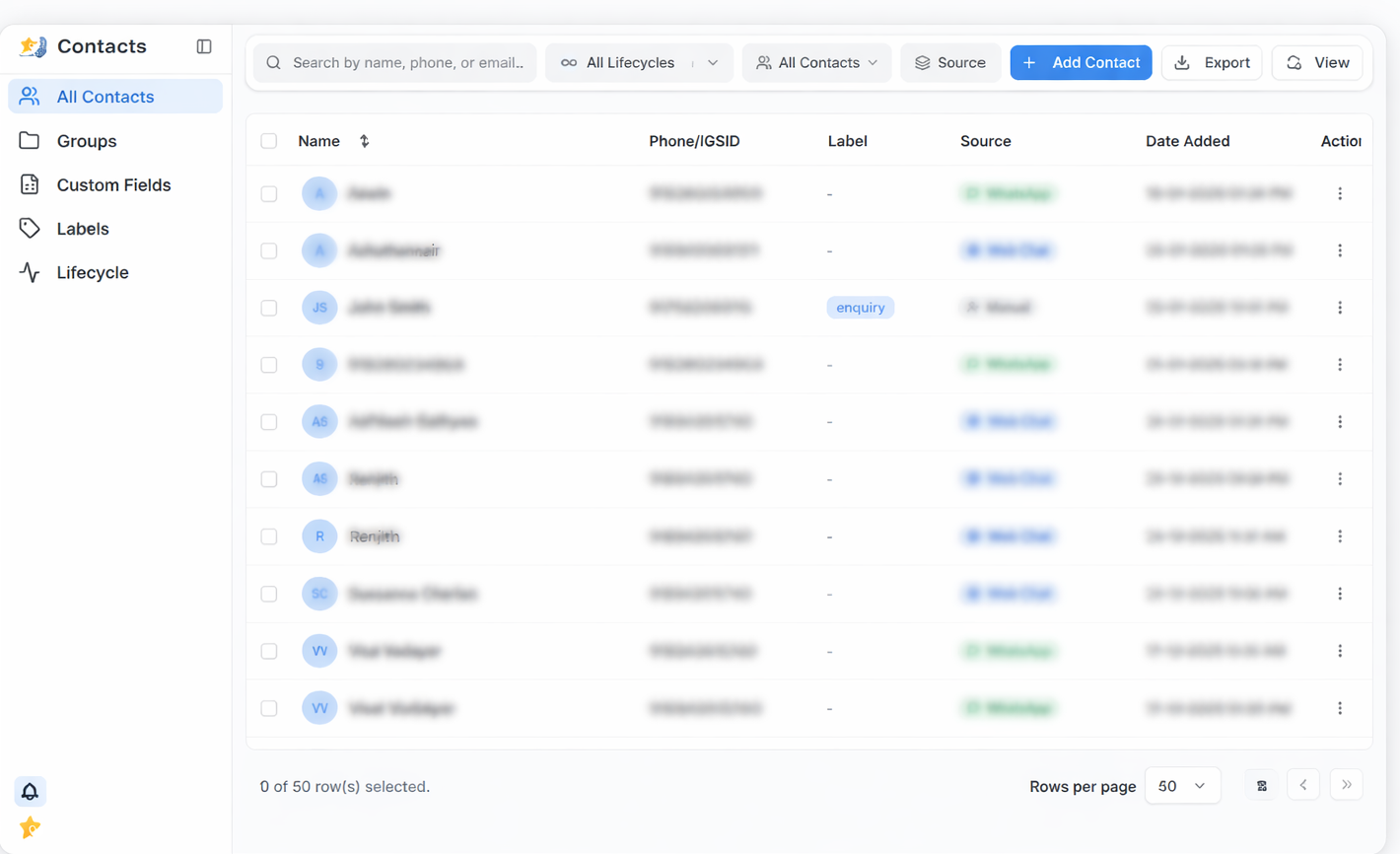
The All Contacts section provides a complete list of every contact stored in RateUp. It acts as the primary workspace for viewing, managing, and organizing customer contact data collected from multiple channels.
What Is All Contacts?
All Contacts is a unified contact directory that brings together contacts created from:
- Web Chat
- Manual entry
Each contact appears as a row in a structured table, making it easy for teams to scan, filter, and take action on customer data.
What You Can Do Here
Using the All Contacts section, you can:
- View all customer contacts in one place
- Search contacts by name, phone number, or email
- Filter contacts by lifecycle stage and source
- Identify how and when a contact was created
- Add new contacts manually
- Import or export contact data
- Perform actions on individual or multiple contacts
How All Contacts Is Organized
The page is designed around a table layout that displays essential contact information such as:
- Contact name or identifier
- Phone number or system ID
- Labels for categorization
- Source of contact creation
- Date the contact was added
Additional actions can be accessed through the action menu available for each contact.
When to Use All Contacts
All Contacts is most useful when you need to:
- Quickly locate a specific customer
- Review contacts from a particular source
- Manage large volumes of customer data
- Prepare contact lists for follow-ups or exports
- Maintain a clean and organized contact database
What’s Next
From All Contacts, you can explore detailed sections to learn more about:
- Contact table columns and actions
- Search and filter options
- Adding contacts manually
- Importing and exporting contacts
- Bulk actions and pagination
Each of these topics is covered in the sub-sections under All Contacts.