Login to RateUp
This guide explains how to log in to your RateUp account after registration.
Step 1: Open RateUp
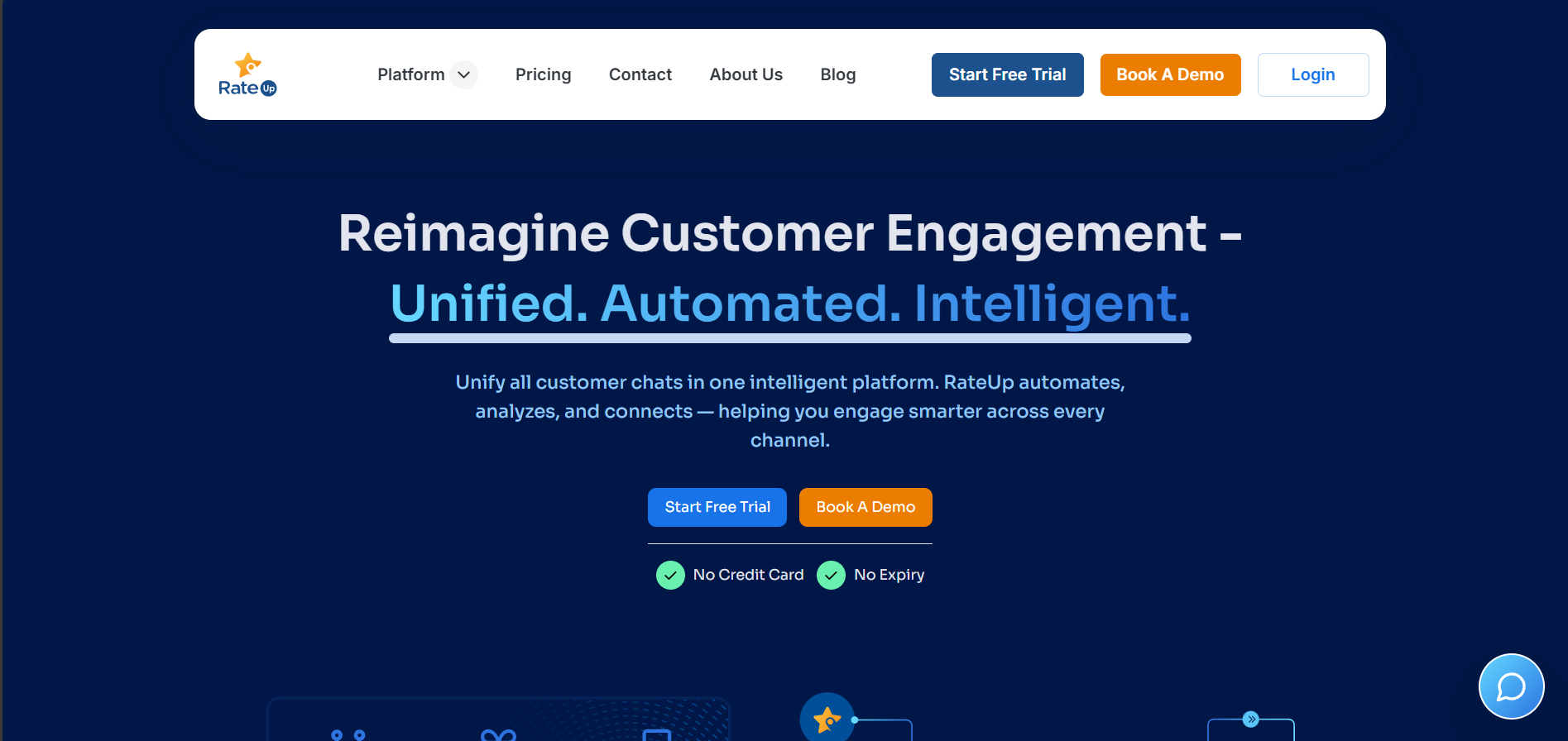
- Visit https://rateup.app
- Click the Login button in the top-right corner
Step 2: Choose Login Method
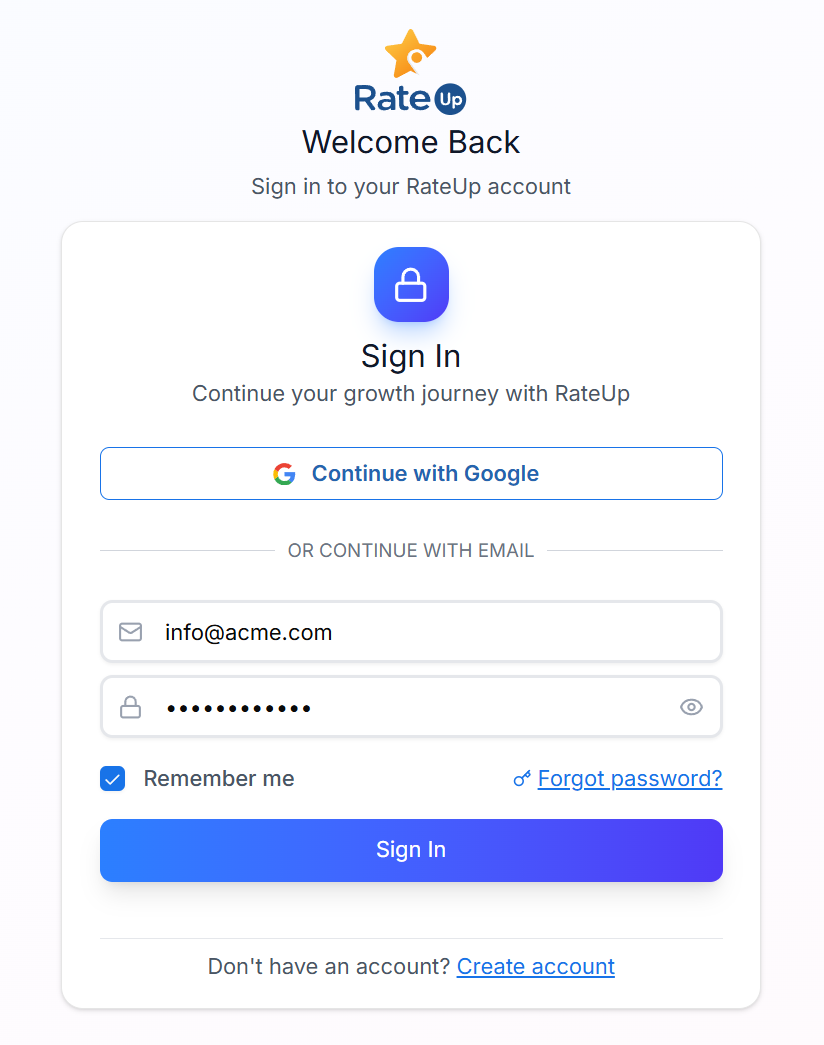
You can sign in using either:
- Continue with Google
- Continue with Email
Email Login
- Enter your email address
- Enter your password
- Click Sign In
Step 3: Access Dashboard
After successful authentication, you will be redirected to your RateUp dashboard.
Forgot Password
If you can’t access your account:
- Click Forgot password
- Enter your registered email address
- Follow the reset instructions sent to your email
Important Notes
- 🔐 Email verification is required before first login
- 🔁 Google login works only if the email is already registered
- 🧠 Your dashboard experience is based on business details provided during registration