Quick Actions
The Quick Actions section in the Cashier Portal allows staff to perform common loyalty operations instantly after locating a customer. These actions help manage loyalty points, rewards, and coupons during a transaction.
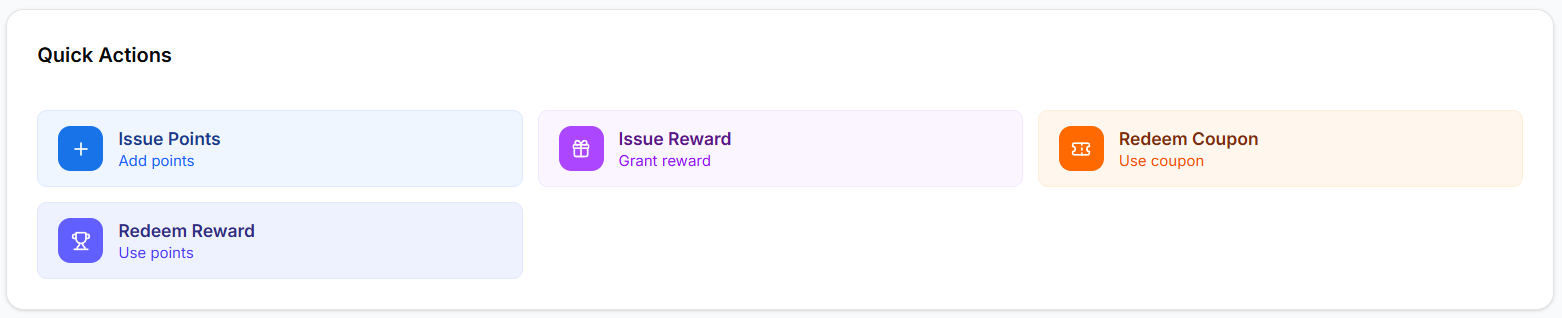
The Quick Actions panel provides the following operations:
- Issue Points
- Issue Reward
- Redeem Coupon
- Redeem Reward
These tools allow staff to quickly manage customer loyalty activities during checkout.
Issue Points
The Issue Points feature allows staff to add loyalty points to a customer’s account based on a purchase or activity.
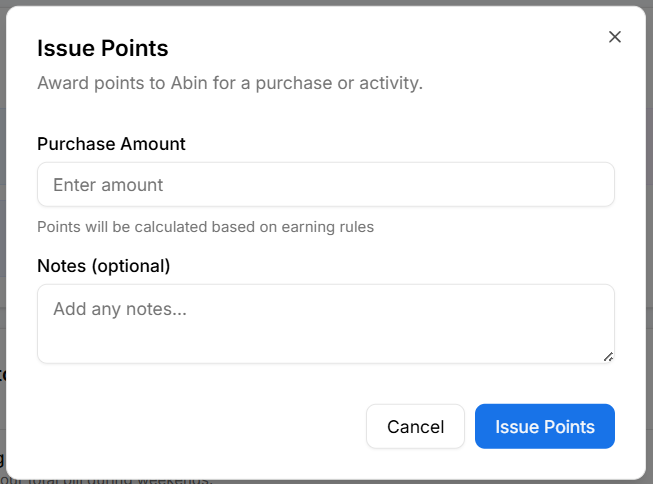
To issue points:
- Click Issue Points from the Quick Actions section.
- Enter the Purchase Amount in the input field.
- Points will be calculated automatically based on configured earning rules.
- Optionally add Notes for the transaction.
- Click Issue Points to confirm.
This ensures that customers receive loyalty points for eligible purchases.
Issue Reward
The Issue Reward feature allows staff to manually grant a reward to a customer.
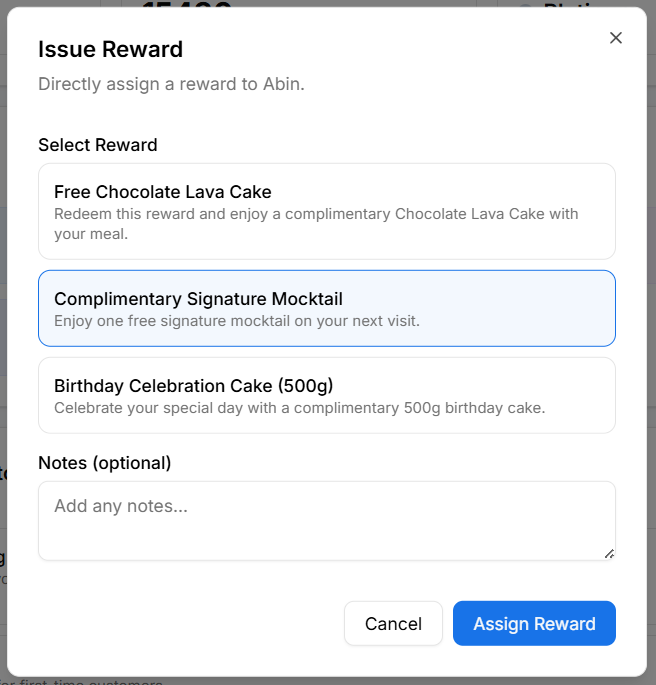
To issue a reward:
- Click Issue Reward from the Quick Actions section.
- Select the reward to grant from the available list.
- Optionally add Notes explaining the reward.
- Click Assign Reward.
This feature is commonly used for promotions, customer service recovery, or special offers.
Redeem Coupon
The Redeem Coupon action allows staff to apply a coupon code provided by the customer.
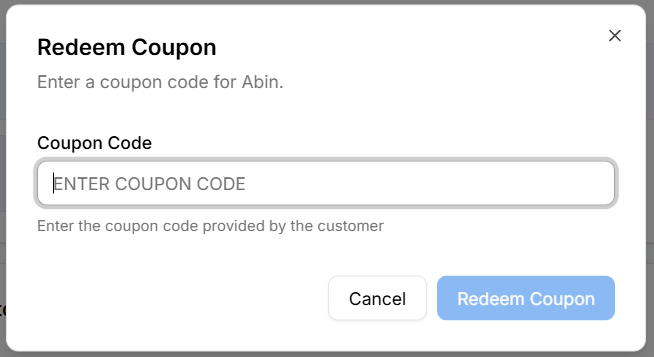
To redeem a coupon:
- Click Redeem Coupon.
- Enter the coupon code in the input field.
- Click Redeem Coupon to apply the coupon.
This applies the coupon discount or offer during checkout.
Redeem Reward
The Redeem Reward feature allows customers to claim available rewards using their loyalty points.
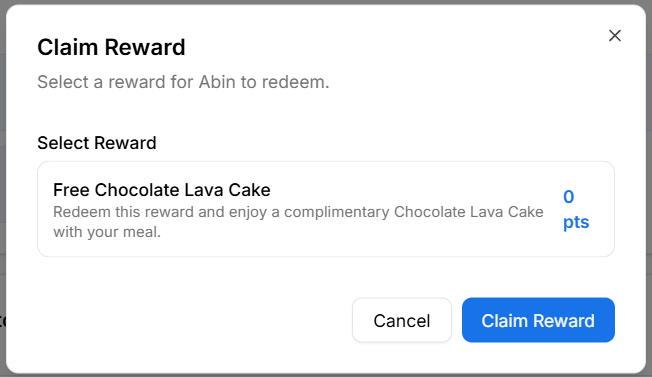
To redeem a reward:
- Click Redeem Reward from the Quick Actions section.
- Select the reward the customer wants to claim.
- Review the reward details.
- Click Claim Reward.
The required points will be deducted from the customer’s loyalty account after redemption.
Why Quick Actions Matter
Quick Actions help businesses:
- Process loyalty activities faster during checkout
- Improve customer experience with instant rewards
- Reduce manual effort for staff
- Provide seamless loyalty interactions at the point of sale
These actions ensure that loyalty benefits are easily applied during customer transactions.