Accessing the Inbox
This section explains how to access the Inbox from the RateUp dashboard and who can use it.
Open Inbox from Dashboard
To access the Inbox:
- Log in to your RateUp account .
- From the left sidebar, click Inbox
- The Inbox dashboard will open with your available conversations
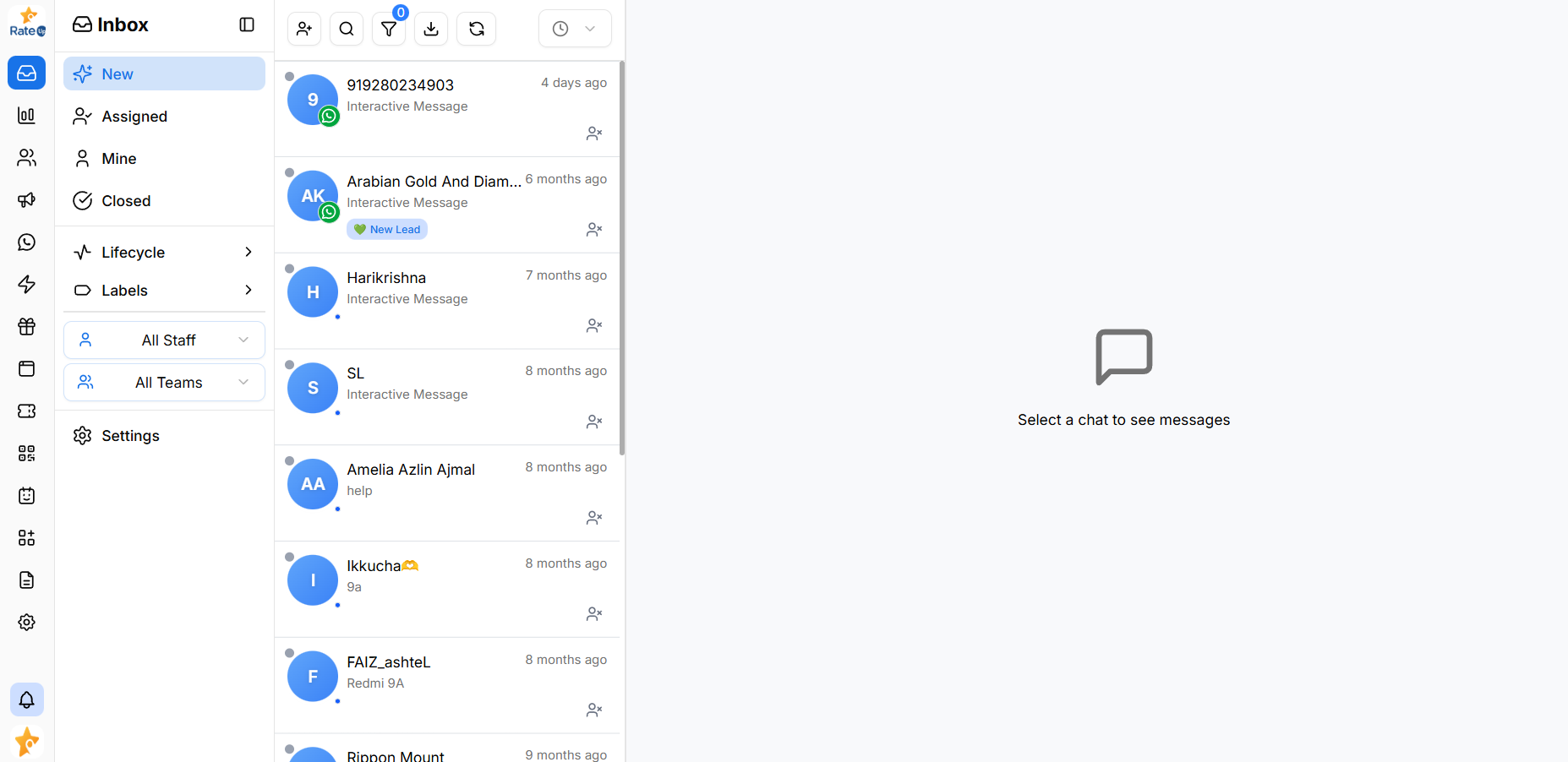
Inbox is accessible from anywhere within the RateUp platform using the sidebar menu.
Who Can Access the Inbox?
Access to Inbox depends on your user role and permissions.
Users with Inbox Access
Typically, the following roles can access Inbox:
- Admins – Full access to all conversations and settings
- Managers – View and manage team conversations
- Agents – Access assigned and personal conversations
Permission-Based Access
- Users can only see conversations assigned to them or their team
- Some actions (assignment, closing chats, filters) may be limited based on role
- Inbox visibility and actions are controlled through Team & Role settings
Important Notes
- Inbox access requires an active WhatsApp integration
- If Inbox is not visible, check your assigned role or permissions
What’s Next?
Continue to Inbox Layout to understand how conversations and controls are organized.